Get this game free with Snakzy
Play mobile games in our free app, earn coins for milestones and tasks, then redeem an Apple gift card or a Steam gift card and buy the game on the Mac App Store or Steam.
- 4.5 on Google Play
- 1M+ players
- 100,000+ rewards
- 18+ only
- Step 1Install Snakzy and pick a game you like.
- Step 2Play and earn coins for milestones and tasks.
- Step 3Redeem an Apple or Steam gift card and buy the game.
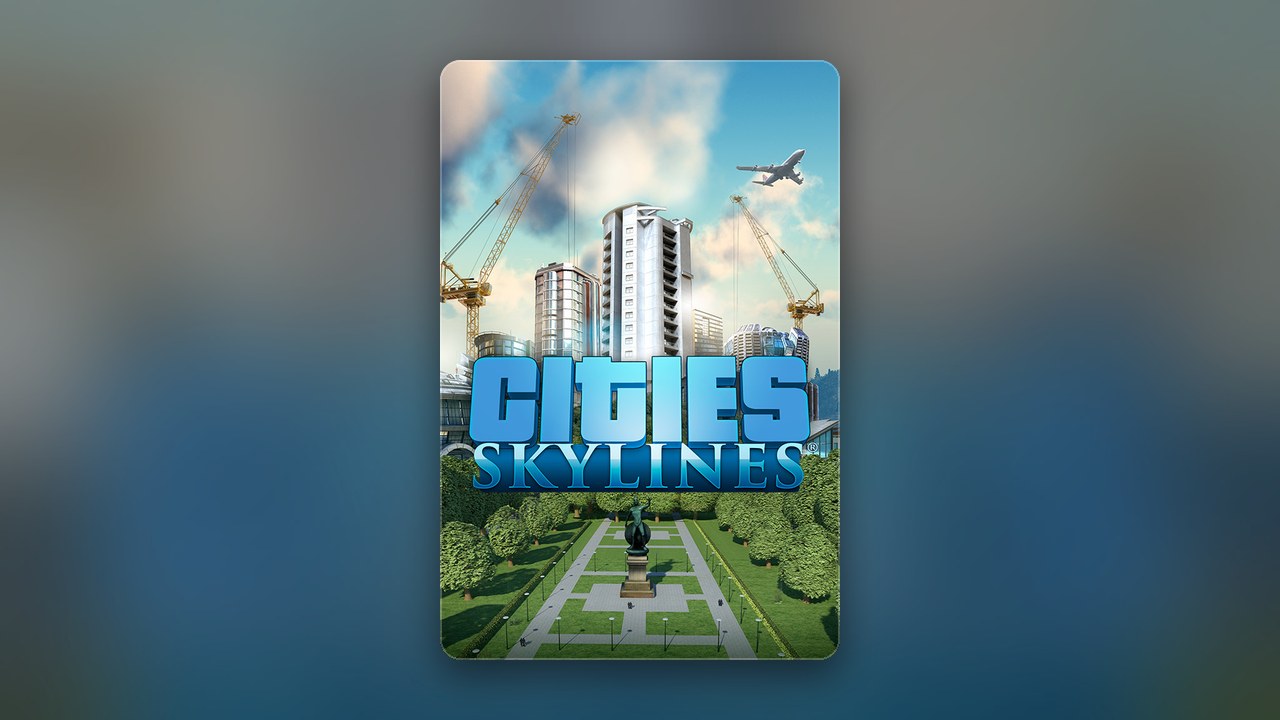
Cities: Skylines defined a decade of city-building on PC, published by Paradox Interactive. Released in 2015, it brought deep traffic simulation, zoning mechanics, and near-limitless urban planning to PC and Mac players alike. The original game ships with a native Mac build on Steam, making it genuinely accessible on Apple hardware in a way that its sequel currently is not. If you have been weighing up a purchase, the short answer on playing Cities Skylines on Mac is that the original runs there as a paid Steam game, and a Steam gift card redeemed with Snakzy coins can be put toward it.
Getting Mac Games for Free
Cities: Skylines carries a price tag on every official storefront, and that price is unlikely to drop to zero on its own. The challenge is that when players go hunting for a free copy, they run into offers that sound appealing but rarely deliver: expired codes, giveaway claims that go nowhere, and downloads from unofficial sources that are not worth the risk to your device and the personal data and logins on it. The same applies to bundles that seem to include the game but require handing over login details or payment information to claim. The safest and most straightforward paths are buying directly from Steam, paying at checkout with your own money or a Steam gift card that you buy on Eneba or earn with Snakzy coins.
Play Games, Earn Real Rewards
Discover new mobile games in our app, earn coins for milestones and tasks, then redeem them for gift cards you can spend on the games you actually want.
Start Earning NowIs Cities: Skylines Available for Free on Mac?
Cities: Skylines is not free on Mac. It is a paid title sold through Steam and does not have a free-to-play tier or a permanent free edition. That said, earning a Steam gift card through Snakzy and redeeming it at checkout is a way to own the game without paying cash.
It is worth being clear about one important distinction before you buy: Cities: Skylines 1 has a native Mac build on Steam and runs on macOS. Cities: Skylines 2, the 2023 sequel, was released for Windows only and does not have an official Mac version.
Apple Silicon Performance: What to Expect
On Apple Silicon Macs, the Steam build runs through Rosetta 2, Apple’s translation layer, and it runs well that way. Players broadly report that Apple Silicon Macs handle smaller to mid-sized cities comfortably, while very large cities with high populations tend to push RAM and CPU usage significantly. If you are on an M-series Mac and planning large builds, memory matters most: with custom assets and mods, 16 to 32 GB of RAM is the usual recommendation, and for big cities on an M1 Max, we would go with 32 GB.
Will Cities: Skylines 2 Ever Be on Mac?
Paradox Interactive has not announced a macOS version of Cities: Skylines 2, which launched for Windows only. The official Steam page is the best place to watch for any updates on platform support.
How to Get Cities: Skylines on Mac for Free?
Snakzy lets you earn gift cards by playing mobile games, which you can then spend on Cities: Skylines through Steam. You play, you earn, and you redeem, without entering payment card details for the game itself. Here is how the path works from start to finish:
- Download Snakzy, sign up, and you are ready.
- Discover and play mobile games available inside the app.
- Complete milestones and in-app tasks to accumulate coins.
- Redeem your coins for a Steam gift card.
- Apply the gift card at checkout on Steam and purchase Cities: Skylines at its current listed price.
Cities: Skylines is supported on Mac through Steam, so earning the funds this way means you buy it from the official store. DLC bought on Steam lands in the same library, but whether every expansion behaves identically on the Mac build is not documented in one place, so check an expansion’s own notes first.
Play Mobile Games & Earn Real Rewards
Snakzy is a play-to-earn mobile app where the rewards are real. Every game you play inside the app contributes to a coin balance you actually own, and that balance converts into gift cards at redemption. The model is straightforward:
- Pick a game from the app’s library and start playing.
- Collect coins each time you reach a milestone or finish a task.
- Put your coins toward a Steam gift card or another platform card, or move them into an Eneba wallet for shopping on Eneba.
Earning the funds to buy Cities: Skylines through an official storefront means you get the real game, with full update support and a clean library entry that stays yours. There is nothing unofficial to install on your Mac. If you are ready to start earning toward your next game, join Snakzy and put your mobile gaming time to work.
Related posts




Play to earn
Your Next Game, On Us
Play mobile games in Snakzy, earn coins as you go, and turn them into gift cards for the store of your choice.
Get Started Free