Get this game free with Snakzy
Play mobile games in our free app, earn coins for milestones and tasks, then redeem a gift card or Eneba wallet funds and buy the game from its official store.
- 4.5 on Google Play
- 1M+ players
- 100,000+ rewards
- 18+ only
- Step 1Install Snakzy and pick a game you like.
- Step 2Play and earn coins for milestones and tasks.
- Step 3Redeem a gift card or Eneba wallet funds and buy the game.
You can get a free Xbox gift card from four programs, and Snakzy (our app) is the first: Android players collect points by playing mobile games, then swap them for a card. Microsoft Rewards, Swagbucks and Fetch are the other three.
What you get differs, though: Microsoft Rewards puts credit straight into your Microsoft account, while Swagbucks sends you a gift card code.
Where a free Xbox gift card can come from
| Method | What you do | What you get | Platforms |
|---|---|---|---|
| Snakzy (our app) | Play games for points | Xbox gift card | Android |
| Microsoft Rewards | Search, complete activities, play Xbox quests | Credit in your Microsoft account | Web, Xbox consoles, Xbox mobile and PC apps |
| Swagbucks | Complete surveys and tasks | Xbox gift card code | Android, iOS, Web |
| Fetch | Submit shopping receipts | Xbox gift card | Android, iOS |
The first three need no purchase, and Microsoft Rewards comes before Swagbucks because its credit lands in your account with no code to enter. Fetch is last because it pays for shopping you’ve already done. Bing searches and Xbox quests fill one Microsoft Rewards balance, and Fetch Play only adds to the same Fetch Points, so each counts once.
Play Games, Earn Real Rewards
Discover new mobile games in our app, earn coins for milestones and tasks, then redeem them for gift cards you can spend on the games you actually want.
Start Earning NowWhat to settle before you collect points
- Match the region. Check the reward’s country and currency. You have to redeem Microsoft Rewards points in the region where you signed up.
- Pick the account. Check which Microsoft account you use on Xbox before you ask for credit or redeem a code.
- Don’t spend extra. Stick to activities with no purchase and receipts from shopping you’d do anyway. A bonus that needs a purchase adds a cost to the reward.
- Save your proof. Keep screenshots of offer requirements, finished milestones and redemption confirmations, so support has something to check if points go missing.
1. Snakzy (our app): Xbox gift cards for casual play
Full disclosure: Snakzy is our app. More than 1 million players have joined it, and they have collectively redeemed over $1.2 million in rewards as of June 2026.
Snakzy keeps your earning inside games, so there’s no shopping to justify. Puzzle, solitaire and match-3 offers pay points for sessions, milestones and challenges, with no purchase required. Surveys are there as an optional extra, not another task to finish. Snakzy is Android only and open to players 18 or older.
- Get Snakzy from the official store and create a free account.
- Choose a game in the app and collect points through eligible sessions, milestones and challenges.
- Once your balance reaches the redemption threshold, swap your points for an Xbox gift card.
- Redeem the card to your Microsoft account and spend the balance.
2. Microsoft Rewards: searches and Xbox play in one balance
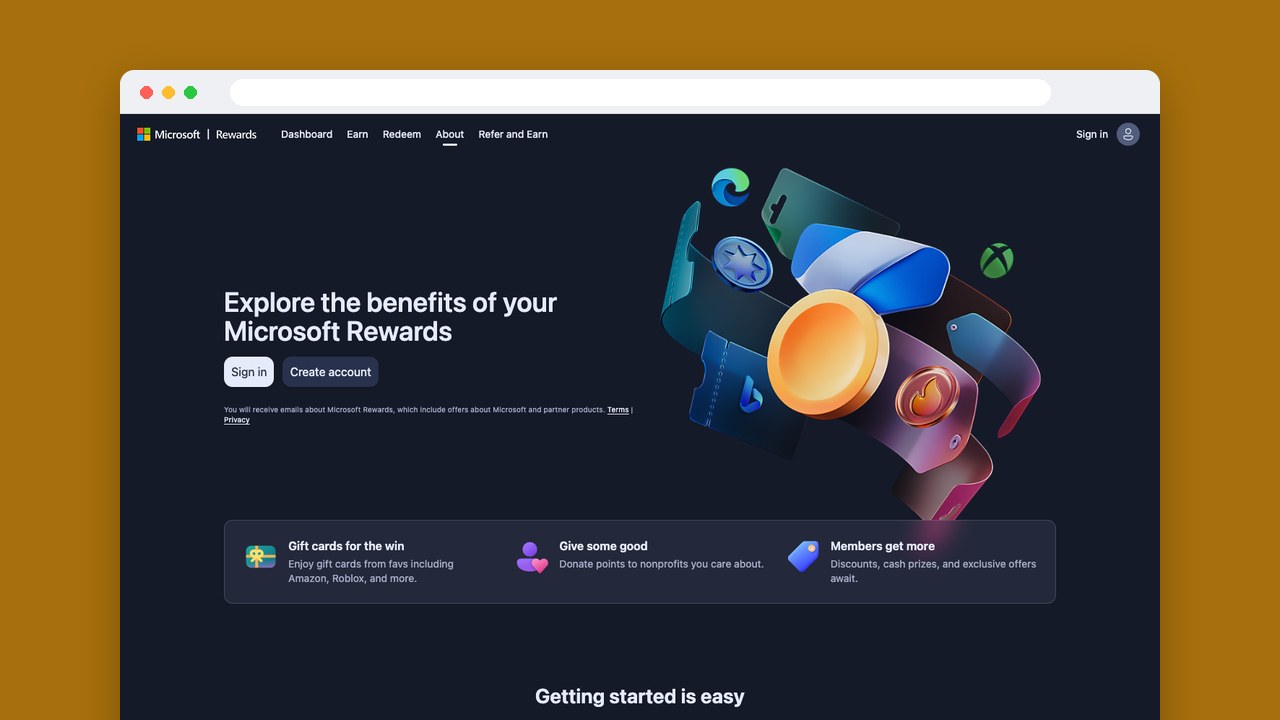
Microsoft Rewards is free to join with a Microsoft account. Qualifying Bing searches, quizzes, daily activities and eligible Xbox gameplay all add to one points balance. Searches work on desktop and mobile, and the Xbox Rewards hub is on Xbox consoles and in the Xbox mobile and PC apps.
To earn from gameplay you have to be 18 or older and in a supported region, and every quest needs playtime. Premium and Ultimate subscribers get exclusive quests, so a subscription you already pay for earns a bit more.
On its Xbox Rewards page, Microsoft shows 5,000 points as worth up to a $5 Xbox gift card. What points are worth varies by market, Rewards level and redemption amount, so the points price next to the reward you want is the number that counts.
The number of searches that earn points each day depends on your account. Microsoft’s pages give different figures (five, 10 or 20 a day in a pilot, and 10 for Level 1 and 30 for Level 2), so check your dashboard for yours.
- Join with the Microsoft account where you want the reward, then do qualifying searches, quizzes, daily activities or eligible Xbox gameplay.
- Claim any points marked ready to claim on your Rewards dashboard.
- Select Redeem, choose an Xbox or Microsoft gift card, check its options and select Redeem Rewards.
- If you’re asked to, confirm it’s you with a mobile or landline number.
Whether you pick the Xbox or the Microsoft gift card, it turns into promotional credit on your account. Xbox credit you redeem through Rewards must be spent within 90 days, so redeem shortly before you plan to buy something, not to save it up. Your points expire after 12 months without earning or redeeming anything.
3. Swagbucks: surveys and tasks for an Xbox code
Swagbucks suits you if you want a code and like choosing between surveys, games and other activities. It’s free, works on the web, Android and iOS, and pays in points called SB that you swap for gift cards.
Swagbucks says most online surveys pay $0.25 to $5, roughly 25 to 500 SB, and that a survey takes five to 60 minutes. Its Microsoft Xbox Live reward starts at 1,500 SB for a $15 card, and the bigger options run from $25 to $50, so there’s no small top-up on offer.
- Create a free account on the website or in the official app, then collect SB through activities that need no payment.
- Open your profile, select Redeem your SB and choose the Microsoft Xbox Live reward.
- Verify your email address and account details, then submit the request.
- Open the reward email, then sign in on Swagbucks with your password to see the code.
Some activities take several days to credit before you can redeem. After that, Swagbucks’ help center says an electronic gift card can take up to five business days to arrive, and some of its other pages give longer windows, so allow for both waits.
The link in the email expires after 24 hours, but you can get a new one from My Gift Cards without earning the SB again.
4. Fetch: Xbox rewards from receipts you already have
Fetch swaps Fetch Points for Xbox gift cards. The app is on Android and iOS, for US shoppers who’ve reached the age of majority where they live, and it suits adults who are fine sharing what they buy.
Receipts have to be for your own personal, noncommercial purchases in US dollars. Fetch says a grocery receipt earns at least 25 points, and thousands when featured brands are on it. You have to submit a paper receipt within 14 days of checkout, and Fetch accepts up to 35 receipts in any seven days.
Most rewards need at least 3,000 points, and your first redemption is limited to selected rewards from $10 to $50. Those are Fetch’s general rules; the Xbox card’s own value and points price show in your app. Fetch Points expire after 90 days without activity, and earning or redeeming counts as activity.
- Create an account in the official app with a current phone number, then submit eligible receipts or link a supported email or retailer account for eReceipts.
- Check the scanned details and use the in-app correction process if something is wrong.
- Open Rewards, search for Xbox, pick a value and choose Get My Reward, then confirm Use points for reward.
- After processing, open My rewards and follow the activation instructions.
Processing can take up to 72 hours, or longer if a security check is needed, and the card still needs activating after that.
Fetch gets the transaction details from your receipts, and through linked eReceipts it can process purchase, return and refund messages. Your sign-up and earning information may be shared with every participating brand, including ones you’ve never dealt with. The only way to stop that is to stop using Fetch and delete your account.
Putting the code on your Microsoft account
Before you redeem a free Xbox gift card code, check which account you’re signed in to. Microsoft account balance can’t be moved to another person or account, so a mix-up can’t be fixed afterward.
- Open Microsoft’s official code-redemption page.
- Sign in with the Microsoft account you want to use, and check the card’s country, currency and redemption instructions.
- Enter the 25-character code and follow the instructions to apply it.
Microsoft and Xbox gift cards work the same once they’re redeemed: the balance works at Microsoft Store online, on Windows and on Xbox.
Never give your code or your Microsoft password to a site that promises free codes, and install apps only from official stores.
Our pick for each kind of Xbox player
Snakzy fits adult Android players who already enjoy mobile games. We’d pick Microsoft Rewards if Bing searches or Xbox quests are already part of your routine and the credit is for your own account. Swagbucks fits if you want a code rather than account credit, and Fetch if you shop in the US and keep your receipts anyway.
Related posts



Play to earn
Your Next Game, On Us
Play mobile games in Snakzy, earn coins as you go, and turn them into gift cards for the store of your choice.
Get Started Free