Get this game free with Snakzy
Play mobile games in our free app, earn coins for milestones and tasks, then redeem a gift card or Eneba wallet funds and buy the game from its official store.
- 4.5 on Google Play
- 1M+ players
- 100,000+ rewards
- 18+ only
- Step 1Install Snakzy and pick a game you like.
- Step 2Play and earn coins for milestones and tasks.
- Step 3Redeem a gift card or Eneba wallet funds and buy the game.
You can earn free Nintendo eShop codes with things you already do: playing games on your phone and scanning the receipts from your usual shopping. Snakzy (our app) is the first route here. Adults earn points by playing mobile games and redeem them for Nintendo eShop gift cards, with nothing to buy. Fetch works the same way, but you scan shopping receipts instead of playing.
A third route, Google Opinion Rewards on iPhone, pays survey money through PayPal, which eligible adults can then add to their eShop balance.
Three routes to free Nintendo eShop codes, side by side
Two of the three routes give you a Nintendo gift card directly, so they come first: Snakzy if you already enjoy games on Android, Fetch if you shop in the US and have receipts to submit. Google Opinion Rewards takes an extra step, because it pays through PayPal and you add the money to your eShop balance yourself.
| Method | What you do | What you get | Platforms |
|---|---|---|---|
| Snakzy (our app) | Play games for points | Nintendo eShop gift card | Android |
| Fetch | Submit receipts for points | Nintendo gift card | Android, iOS |
| Google Opinion Rewards | Answer surveys for PayPal | PayPal money to add as eShop funds | iOS |
Play Games, Earn Real Rewards
Discover new mobile games in our app, earn coins for milestones and tasks, then redeem them for gift cards you can spend on the games you actually want.
Start Earning NowCheck these before you start earning
- Match the country. Nintendo only accepts a gift card on an account set to the country where the card was bought, so a US card needs a US account. Check the reward’s country and currency before you pick it.
- Pick the account. Decide which Nintendo Account should get the funds, especially if you manage accounts for a household.
- Don’t spend extra. Use receipts from things you were buying anyway and games that need no purchase. Spending more to earn a reward makes the reward worth less.
For Snakzy and Fetch, look up how many points the Nintendo reward costs first, so you have a target to compare with your balance.
1. Snakzy (our app): play mobile games for Nintendo cards
Full disclosure: Snakzy is our app. More than 1 million players have joined it, and they have collectively redeemed over $1.2 million in rewards as of June 2026.
Snakzy gives you points for playing puzzle, solitaire, match-3 and other mobile games. You earn them through sessions, milestones and challenges, and a free Nintendo eShop gift card is one of the rewards you can work toward. There’s no purchase required and surveys are optional, so playing is how you earn. You need to be 18 or older, and Snakzy runs on Android only.
To earn a card with Snakzy:
- Install Snakzy from the official store and create a free account.
- Find the Nintendo eShop reward and check how many points it needs before you choose a game.
- Pick a game and collect points through eligible sessions, milestones and challenges.
- Once you reach the minimum threshold, redeem the card and use it for Nintendo eShop purchases.
2. Fetch: turn your shopping receipts into Nintendo cards
Fetch’s Earn Nintendo Gift Cards page describes this route: you collect Fetch Points for receipts and spend them on a Nintendo gift card. The app works on Android and iOS for shoppers in the United States. The points come from things you’ve already bought, so Fetch is useful if you have receipts and don’t want another game to play.
Fetch says an eligible receipt earns at least 25 points, and Discover offers can add hundreds or thousands. Most rewards need at least 3,000 points. On your first redemption, and on any redemption before you’ve used at least 3,000 points, you can only pick selected reward values from $10 to $50. Those are Fetch’s general rules, so go by the Nintendo card’s own point cost and the values on offer.
You have to submit a paper receipt within 14 days of checkout, and Fetch accepts up to 35 receipts in any seven days. For eligible digital purchases, eReceipts connects to a supported email or retailer account. A photo of a receipt on a screen, or a printout of an emailed one, isn’t accepted.
To claim a free Nintendo gift card from your receipts:
- Install Fetch from Google Play or the App Store and create an account.
- Submit eligible paper receipts, or connect a supported account for eReceipts.
- Open Rewards, search for Nintendo and pick an available value after checking its point cost.
- Select Get My Reward, then confirm Use points for reward.
- After the ready notification, open My rewards and follow the vendor’s activation instructions.
Processing can take up to 72 hours, or longer if a security check is needed. The card only works once you finish the activation, so the ready notification isn’t the last step.
Fetch Points expire after 90 days without activity. Submitting a receipt or redeeming a reward counts as activity. This route works best if scanning receipts becomes part of your regular shopping, not something you remember only when you want a game.
3. Google Opinion Rewards: survey money you add to your eShop balance
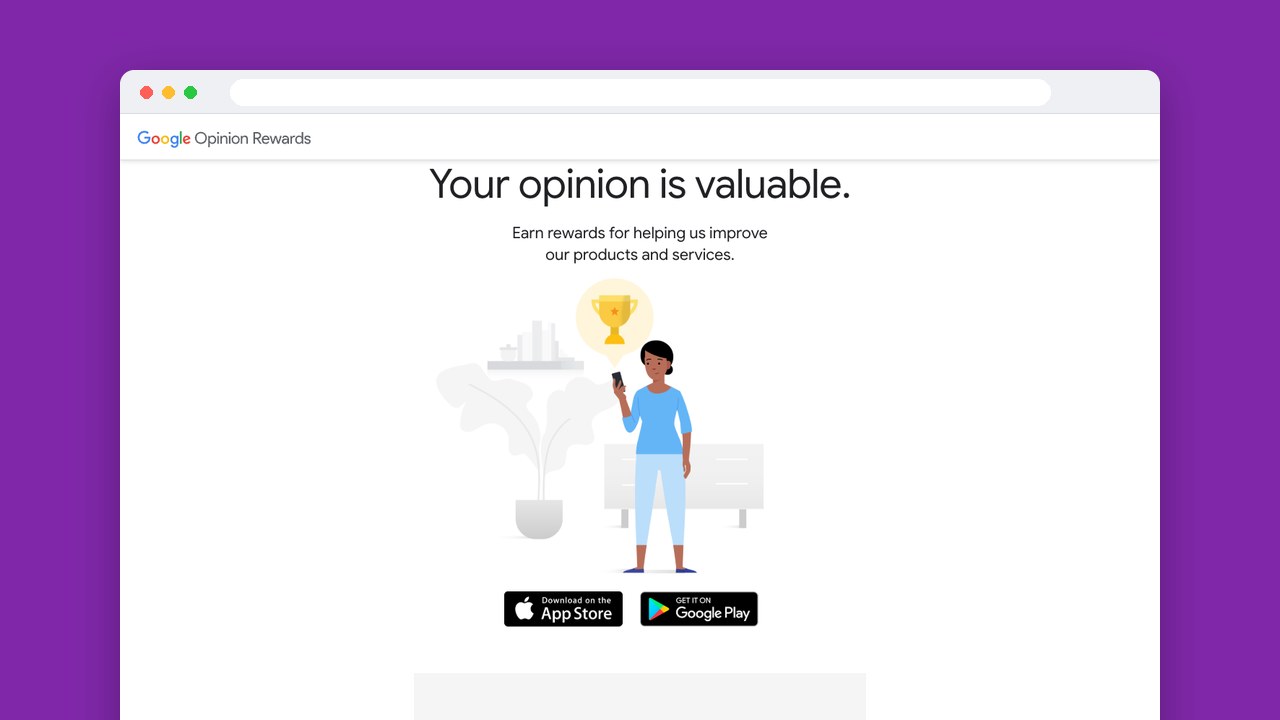
On iPhone and iPad, Google Opinion Rewards pays through PayPal. Google’s Earn rewards guide puts a completed paid survey at 10 cents to a dollar, and the money goes to PayPal automatically whenever your balance reaches a couple of dollars. So this route gives you money to add to your eShop balance, not a Nintendo gift card code.
Three things decide if this route works for you. Nintendo lets you add funds with PayPal only if the Nintendo Account owner is 18 or older and in the United States, Canada or Mexico. The survey app is free, but it needs an iPhone or iPad running iOS 17.0 or iPadOS 17.0 or later. And the surveys you get, and the currency they pay in, depend on your Google Account’s country.
Google says a survey typically takes less than 20 seconds, but invitations arrive at varying intervals. Some questions, including the setup and screening ones, pay nothing. That makes it something for spare moments, and you can’t plan on how much you’ll earn.
To turn survey payments into Nintendo spending:
- Install Google Opinion Rewards from the App Store and sign in with your Google Account.
- Use the same email address for Opinion Rewards and PayPal so payments arrive automatically.
- Answer survey invitations within 24 hours and let the paid rewards add up.
- Once your PayPal balance covers an available Nintendo funding amount, open Nintendo eShop and select the Nintendo Account you want.
- Open the account icon, choose Add Funds and PayPal, link PayPal if needed, then select a funding amount and choose Add.
Payments may take a few days to show up, and a balance below the payout threshold expires one year after your last survey.
Redeem your Nintendo gift card safely
Nintendo eShop cards can pay for games on Nintendo Switch and Nintendo Switch 2. When you redeem one, the whole balance goes to the Nintendo Account you pick and can’t be moved, so you can’t split a card between household accounts later.
To add a gift card on your console:
- Launch Nintendo eShop from the HOME Menu.
- Select the Nintendo Account that should receive the funds.
- Select Enter Code and enter the card’s 16-character code.
- Select OK, then Confirm and Add.
Under the US card terms, a code’s balance doesn’t expire, has no code-related fees and can’t be redeemed for cash. So there’s no rush to spend it before you find a game you want.
Keep your reward code private, and never give your Nintendo password to a site that promises free eShop codes. Install rewards apps from the official store.
If a card doesn’t work, check for characters that look alike in the code and confirm the account’s country. Nintendo support can help if that doesn’t fix it or the card is damaged. Neither Nintendo nor the retailer replaces a lost or stolen code, so keep it safe until you redeem it.
Pick the route that fits what you already do
We’d pick Snakzy if you already enjoy Android games, or Fetch if you already have eligible US shopping receipts. Google Opinion Rewards fits you if you’re happy to answer a short survey now and then and don’t mind the extra PayPal step.
Start with one program and a Nintendo reward you actually plan to use.
Related posts
Play to earn
Your Next Game, On Us
Play mobile games in Snakzy, earn coins as you go, and turn them into gift cards for the store of your choice.
Get Started Free