Selling something you own, like a used phone or clothes you no longer wear, can put cash in your hand the day you sell. Paid work can cover the gap too, and returning a recent purchase can get back money you’ve already spent.
So if you’re working out how to make 100 dollars fast, start with a sale you can finish today or work you’re already approved to do. The catch is that what’s left after fees has to reach you before your deadline.
How to make 100 dollars fast: ten ways side by side
| Method | How you earn | What you get | When the money reaches you |
|---|---|---|---|
| ecoATM | Sell a used phone | Cash | On the spot |
| Buffalo Exchange | Sell clothes they accept | Cash or store credit | The day you sell |
| Craigslist | Sell an item locally | The sale price | At the handover |
| DoorDash | Do deliveries | Pay and tips | Usually minutes, with Fast Pay |
| Uber | Drive passenger trips | Pay and tips | Usually minutes, with Instant Pay |
| Care | Babysit | The pay you agree | When you and the family agree |
| Rover | Look after pets | Booking pay | Two days after the care ends, then your bank |
| Taskrabbit | Do local tasks | Pay and tips | Not stated |
| Walmart return | Return an eligible purchase | A refund | Typically seven days to a card |
| Snakzy (our app) | Earn points by playing games | PayPal rewards, gift cards | Once you reach the minimum |
If an ecoATM kiosk or a Buffalo Exchange store is near you, an accepted offer saves you from finding a buyer. A local sale may suit you better if a handover is easy to arrange. Either way, what decides how much of the 100 dollars you cover is the amount you get, whether that’s the offer for your phone, a buyer’s price or the pay for the work, not how fast it lands.
Play Games, Earn Real Rewards
Discover new mobile games in our app, earn coins for milestones and tasks, then redeem them for gift cards you can spend on the games you actually want.
Start Earning NowCheck what will reach you before you say yes
A job can look like it covers 100 dollars and still leave you short once the fees come off.
- Count money you can use. Cash, money in your bank, or a reward that pays for the expense you actually have.
- Subtract the charges. Provider fees, registration costs and fast-transfer fees all come off your total.
- Check you can cash out. Open your payment settings and make sure your account and card support the transfer you need.
- Keep your details private. Don’t put bank details, logins or ID documents in messages to local buyers.
1. ecoATM: get an offer for a spare phone
ecoATM buys used phones through kiosks. Before you go, you can enter your phone’s model and condition to get an offer.
We’d look at the price before the speed. Selling a phone you still use only makes sense if the offer is worth it to you.
- What you need: A used phone, backed up and wiped first to protect your personal information.
- Time to first money: Cash on the spot once you sell. ecoATM advertises a seven-minute transaction.
- Notes: You can lock your offer for seven days.
2. Buffalo Exchange: take cash for clothes they accept
Buffalo Exchange buys men’s and women’s clothes and accessories in good condition. Staff look at your items in person and pick what they need for their current stock, so you won’t know what your bag is worth until they’ve looked.
In cash you get 25% of the price the shop plans to sell an item for, or 50% in store credit. That’s worked out from its resale price, not from what you paid. If you’re short on cash, the 25% is your number: the 50% only helps if you shop there.
- What you need: Items they’ll accept and a valid government-issued ID. If you’re under 18, you have to bring an adult with valid ID.
- Time to first money: You’re paid for accepted items the day you sell.
- Notes: They buy from opening to closing, and you don’t need an appointment.
3. Craigslist: agree a local sale and a handover
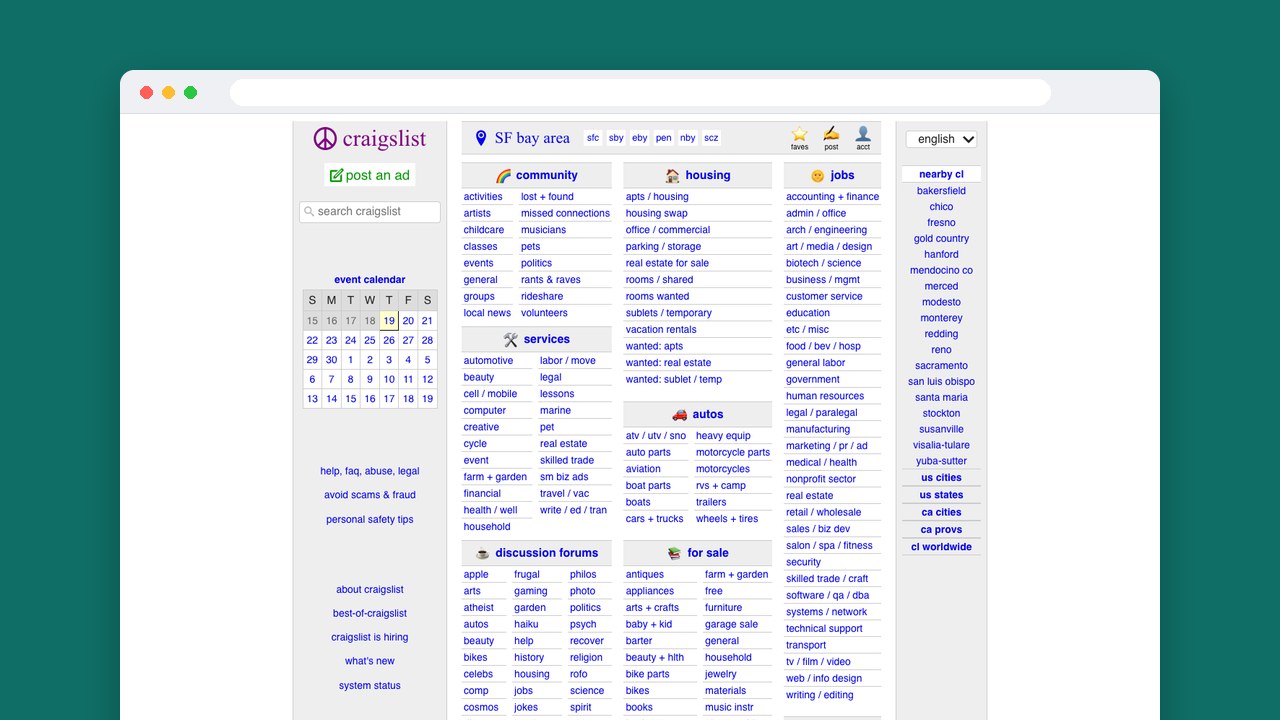
Craigslist lets you sell an item straight to a local buyer. It works if you’re happy to part with the item and can agree on a price and a place to meet.
Use Craigslist’s mail relay to talk about the item, and meet face to face in a safe public place. Take the payment at the meeting, not before, so the buyer sees the item before any money changes hands.
If a buyer asks for a verification code, a wire payment or a gift-card payment, or wants you to deposit a cashier’s check, it’s a scam. End the conversation there.
- What you need: An item you’re willing to sell and a buyer who agrees to the price.
- Time to first money: At the handover, when the buyer pays you.
- Notes: Keep the item, the price, how you’ll be paid and the meeting details in your Craigslist conversation.
4. DoorDash: deliveries, if your account is already active
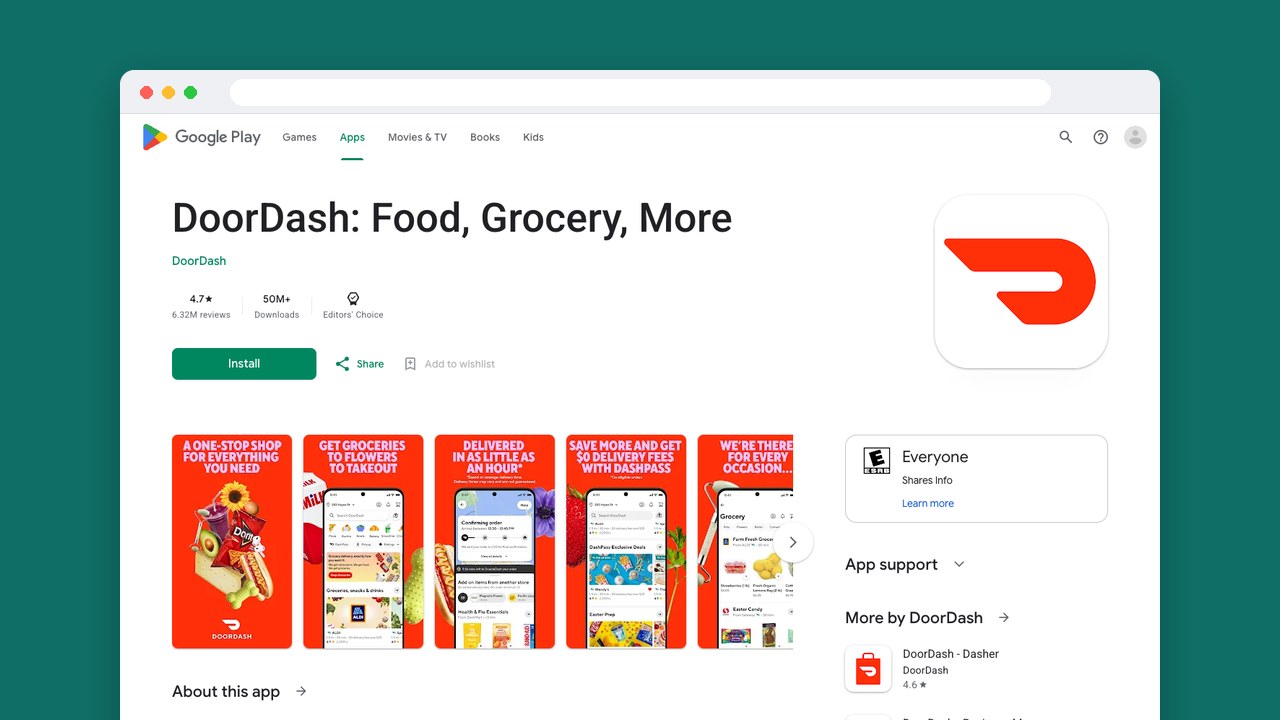
DoorDash’s base pay under Earn per Offer runs from $2 to $10 or more per offer, and the acceptance screen shows the minimum you’ll get. You also get 100% of the tips DoorDash receives for your orders, plus any promotions that apply.
Under Earn by Time you’re paid for active delivery time, from accepting an order to completing it. Time spent waiting between offers doesn’t count, so the rate covers less than your whole evening.
An evening of deliveries only works if your account is already active. What counts toward the 100 dollars is what you made after your vehicle costs and the cashout fee.
- What you need: An active Dasher account and a linked debit card that isn’t prepaid, for Fast Pay.
- Time to first money: Fast Pay usually transfers within minutes, but your bank can take a few business days to make the money available.
- Notes: Fast Pay has a small flat fee, works once a day and leaves out earnings from a dash you’re still on.
5. Uber: weigh each trip from an approved account
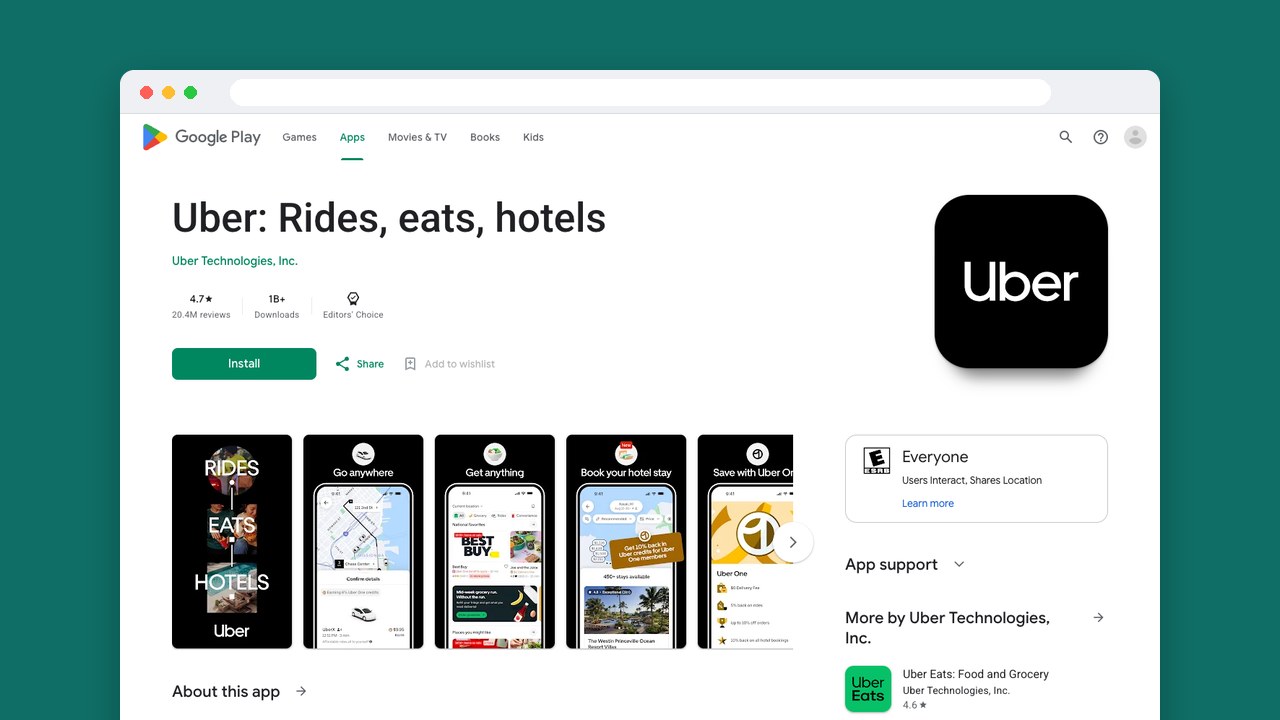
Uber pays for completed passenger trips. In most cities you see the fare and the destination before you accept, so you can judge each trip before you take it.
You keep 100% of your tips. Tips and any adjustments are added after the trip, so your final pay can change. How much Uber keeps varies by trip and by week, so you can’t work out your pay from one fixed percentage.
Uber says most US drivers can use Instant Pay with a debit card after their first completed trip. Whether you can depends on your account status and your card.
- What you need: An approved account with the required documents and background check, and an eligible vehicle.
- Time to first money: Instant Pay typically arrives within minutes but can take two to three business days.
- Notes: Each cashout has a small flat fee, except in NYC, where it’s free. You can cash out up to six times a day, or once a day in NYC.
6. Care: agree the total before you babysit
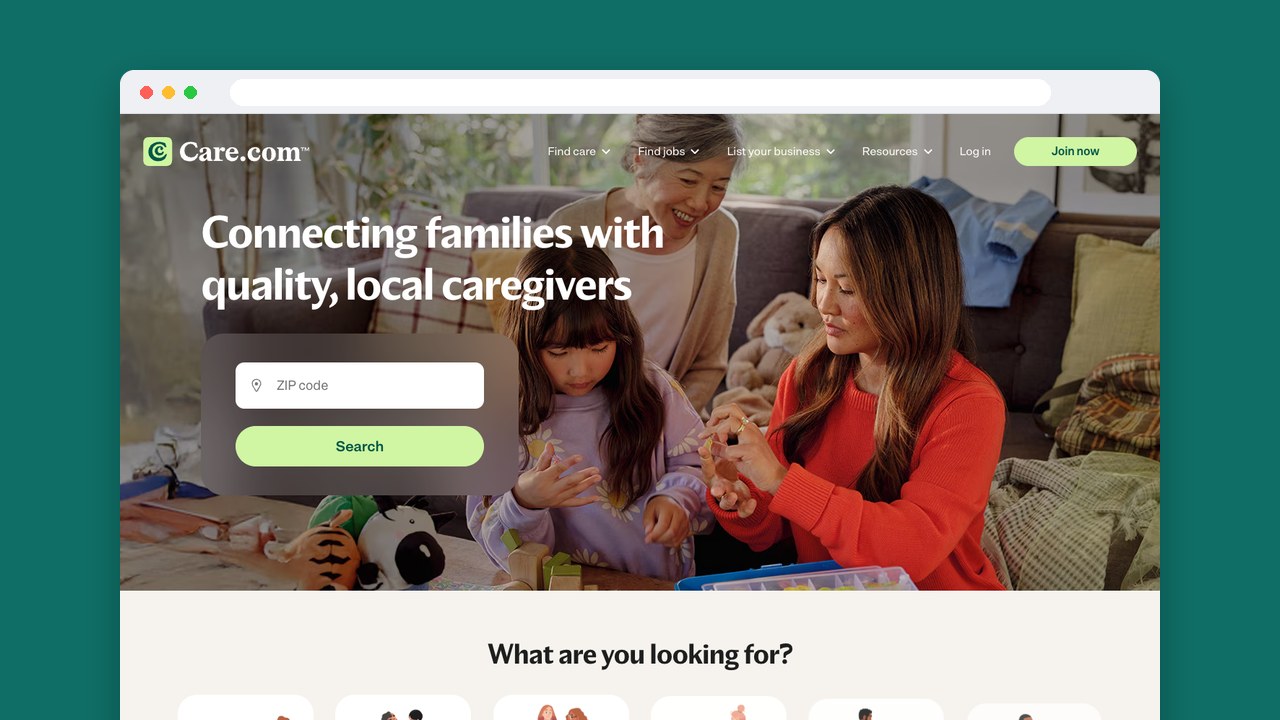
Care connects families with local caregivers, and you can make a profile there as a babysitter. A confirmed evening booking can go toward the 100 dollars if you have the childcare skills and can stay for the whole booking.
Care’s average posted babysitting rates run from $18 an hour in San Antonio to $26.50 in Seattle, across the cities it lists. Those are local averages. The rate you agree depends on where you are, your skills, and how many children there are and how old they are.
Extra jobs should pay more. Care suggests at least $1 to $2 more an hour for things like laundry or picking up groceries, so agree on them before the booking starts.
- What you need: Childcare skills and a confirmed booking.
- Time to first money: You agree it with the family.
- Notes: Put the children, the duties, the finish time, the total pay and how you’ll be paid in writing.
7. Rover: count the 80% you keep
Rover’s standard fee is 20% of each pet-care booking, so you keep 80% of what the owner pays.
A booking also has to suit the animal’s needs and your free time.
- What you need: A pet-care booking you can take on and the time to do it.
- Time to first money: Rover releases your pay two days after the care ends, and Stripe then sends it to your bank.
- Notes: Fees are different in California and may differ if you’re part of a US pilot. Go by the fee on your own account.
8. Taskrabbit: offer a skill, and watch the sign-up fee
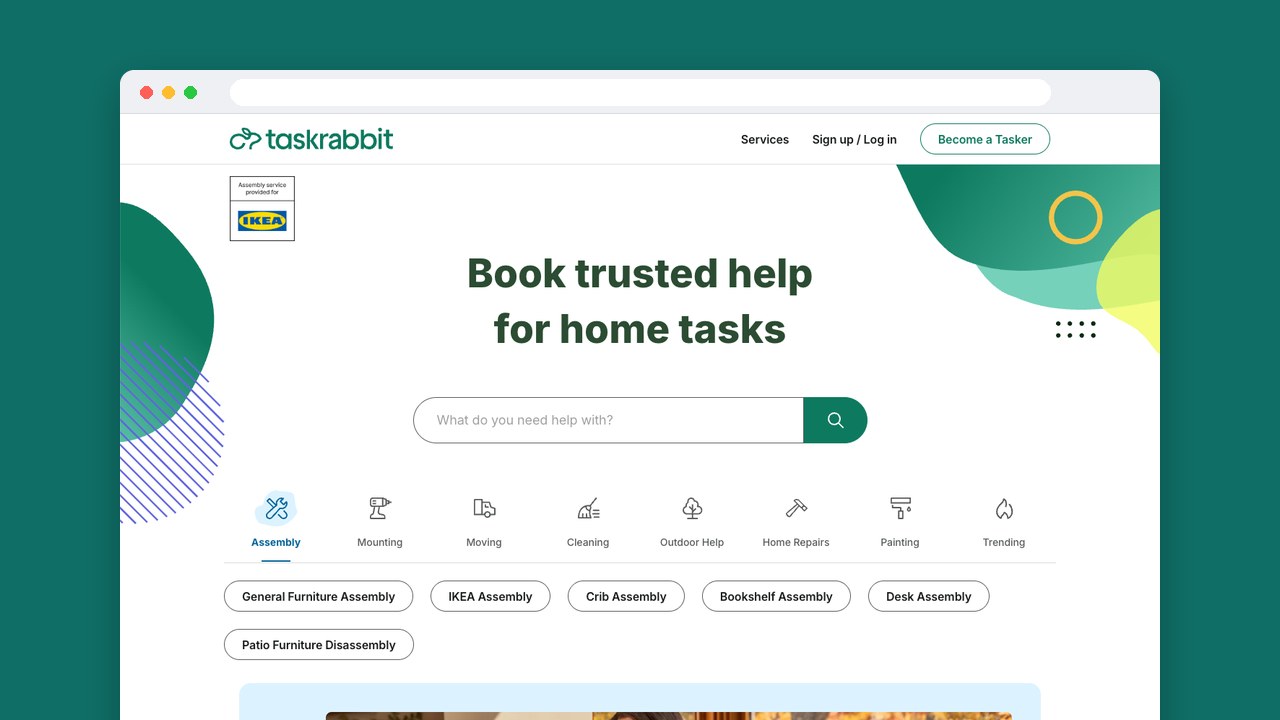
Taskrabbit connects local Taskers with jobs that range from home repairs to errands. You set your own rates and keep 100% of what you charge, plus tips.
Taskrabbit charges a $25 registration fee in the cities where it applies. If you already have an account, there’s no fee to pay now, so it doesn’t eat into the 100 dollars.
You can set your weekly availability and opt in to same-day jobs, which helps if you already have an account and some room in your schedule.
- What you need: A Tasker account with your services and work area chosen, your identity confirmed and any required business checks done.
- Time to first money: Not stated, so confirm it before you count on an urgent job.
- Notes: You invoice and get paid through Taskrabbit’s payment system.
9. Walmart: get back money from a recent purchase
A Walmart return gets back money you’ve already spent. Most items have a 90-day return window, with exceptions, and items from third-party Marketplace sellers may have 30 days. Your online purchase history shows the last day you can return each item, including the ones with shorter windows.
Online refunds go back to the way you paid, though the original shipping cost isn’t always refunded. If Walmart can’t refund your card, what you get depends on where you bought the item: a Walmart gift card or Walmart Balance for an in-store purchase, and Walmart Balance for an online one.
Without a receipt, an in-store return needs a valid government-issued photo ID, and Walmart has to accept it. You then get an exchange, a Walmart gift card or a manufacturer repair where one is available, so a return without a receipt won’t put cash in your hand.
- What you need: An eligible purchase and its return details.
- Time to first money: Refunds to a card, Pay by Bank, PayPal or OnePay Later typically take seven days.
- Notes: Where the refund lands decides what you can spend it on.
10. Snakzy (our app): small rewards from spare game time
Full disclosure: Snakzy is our app. More than 1 million players have joined it, and they have collectively redeemed over $1.2 million in rewards as of June 2026.
For 100 dollars, a rewards app is only a small piece of the answer, and it won’t help with a bill due soon. Snakzy gives you points for game sessions, milestones and challenges, and surveys are an optional extra. If you already play on your phone, the points can turn into PayPal rewards or gift cards for something further off. You have to be at least 18, and Snakzy is Android only.
- What you need: A free account.
- Time to first money: Once you reach the minimum balance to redeem.
- Notes: There’s nothing to buy.
What to skip so you don’t end up further behind
We’d skip renting a car to make a one-off 100 dollars. It’s a new bill before you’ve covered the first one.
If a sign-up bonus is what draws you to a job, check where it applies and what you have to finish to get it. And think twice before paying to start something new: every fee you pay upfront is more money you have to make back, while an account or a skill you already have costs nothing to start.
Pick the route with the fewest steps left
If you already have a sale offer you’re happy with, finishing that sale is quicker than opening a work account. A confirmed babysitting booking works if the duties fit your skills and your time. An approved driving or delivery account is the pick if you still need work and can already cash out from it.
If you’re wondering how to make 100 dollars a day, look at repeat bookings and approved driving or task work rather than one-off sales. Plan around the work you can actually book and what you keep after fees and costs.
Related posts




Play to earn
Turn Playtime Into Rewards
Snakzy is free on Android for players 18 and over. Play mobile games, collect coins, and redeem them for PayPal cash or gift cards once you reach the minimum.
Get Started Free