Sign up bonus apps give you points or a dollar balance when you join and finish a first step, such as confirming your email. A welcome bonus is only useful once you know what it takes to spend it, and earning the bonus can still leave more work before you can redeem anything.
Snakzy (our app) gives mobile gamers a welcome bonus of up to $10 in points toward a reward. MyPoints gives a small welcome reward when you confirm your email, InboxDollars pays for signing up and completing your profile, and Swagbucks ties its welcome offer to a qualifying shopping purchase.
Sign up bonus apps compared
| App | Welcome bonus | How you earn | Rewards | Platforms |
|---|---|---|---|---|
| Snakzy (our app) | Up to $10 in points | Game sessions, milestones, challenges | PayPal, gift cards | Android |
| MyPoints | $2 welcome value | Shopping, surveys, games, receipts, offers | Gift-card rewards | Android, iOS, Web |
| InboxDollars | $5 account bonus | Surveys, games, emails, shopping, offers | PayPal, Visa, gift cards | Android, iOS, Web |
| Swagbucks | 1,000 SB worth $10 | Surveys, games, shopping | PayPal, gift cards | Android, iOS, Web |
All four state their welcome offers and how you redeem. Swagbucks comes last because it’s the only one that makes you buy something first. We found no membership-age rule or official redemption minimum for MyPoints or Swagbucks, so check those before you join.
- Check the welcome action. See whether the offer needs activation, an email confirmation, a profile survey or a qualifying purchase.
- Check the reward threshold. Look at what the reward you want needs before you can redeem it, separately from its advertised gift card value.
- Check who can join. Go by the program’s own age and location rules; an app store’s content rating isn’t the same thing.
- Keep records. Save the offer terms, the steps you finished and the confirmation messages until the reward is credited and your payment arrives.
Play Games, Earn Real Rewards
Discover new mobile games in our app, earn coins for milestones and tasks, then redeem them for gift cards you can spend on the games you actually want.
Start Earning Now1. Snakzy (our app): welcome points for playing games
Full disclosure: Snakzy is our app. More than 1 million players have joined it, and they have collectively redeemed over $1.2 million in rewards as of June 2026.
Snakzy’s welcome bonus is up to $10 in points, and it’s points toward a reward, not instant cash. You keep earning points for sessions, milestones and challenges in puzzle, solitaire, match-3 and word games, so it fits if casual gaming already fills some of your spare time. Snakzy runs on Android only.
- Best for: Adults who prefer games to surveys
- Cost: Free, no purchase required
- Payout methods: PayPal, Visa and retailer gift cards
- Age: 18 or older
- Notes: Surveys are optional
2. MyPoints: a small welcome reward for confirming your email
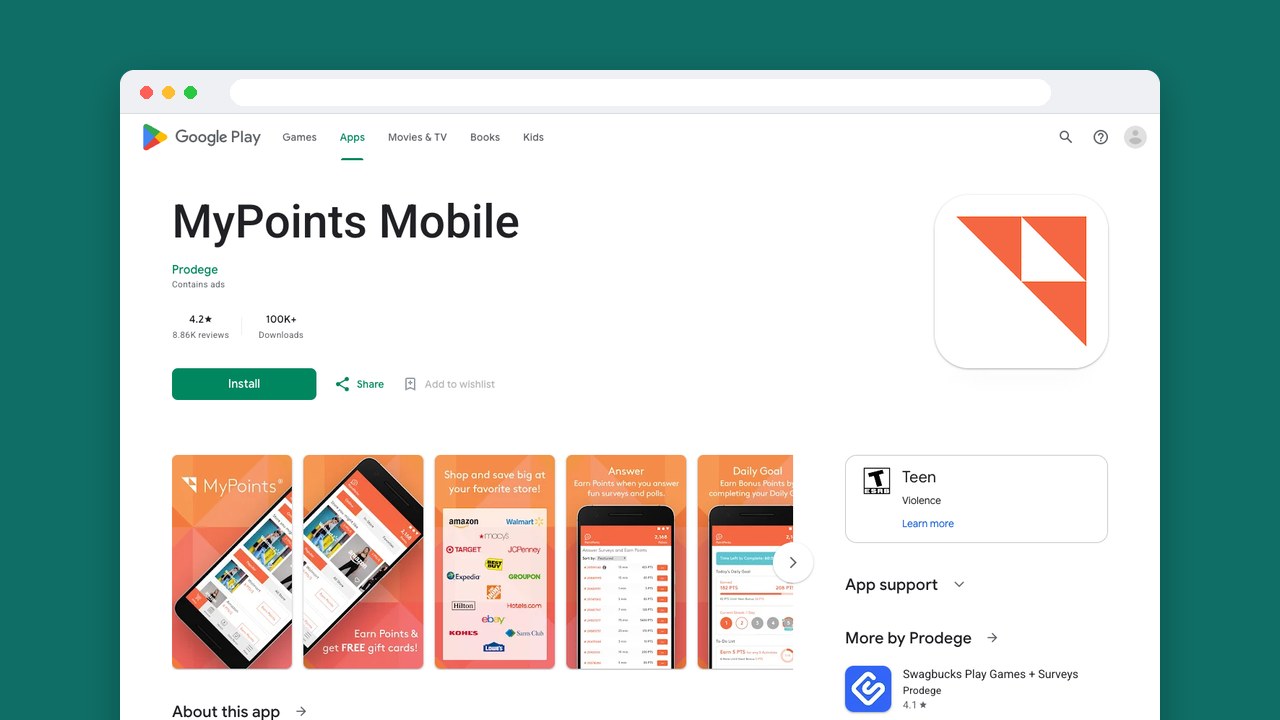
MyPoints asks the least to start: you confirm your email and get a small welcome reward. That reward is worth less than the smallest gift card, so you’ll still need more points before you can redeem anything. Surveys, games and receipt scanning let you keep earning without planning a purchase.
A separate shopping promotion gives 1,750 points for two qualifying purchases in your first 30 days, and we’d weigh it apart from the email offer. Each purchase has to reach $20 before taxes, shipping, handling and special processing fees. Several orders with one brand on the same day count as one purchase, and returns reduce your count. Amazon purchases, MyPoints Store gift cards and the category MyPoints calls Games don’t count.
For any offer, check that your first click shows up in the Ledger, your activity record, because MyPoints won’t credit an offer without it. If a rewarded step goes missing, contact support through that Ledger entry before you go further with the offer.
People do get gift cards from MyPoints, but they also report slow point growth, offers that never credited, redemption problems and closed accounts. MyPoints may also collect location and personal information and share it with third parties, which is a lot to weigh against a small welcome reward. You can ask for your data to be deleted.
- Best for: A small starting reward with minimal setup
- Cost: Free membership
- Payout methods: Gift cards such as Amazon and Target, plus PayPal, from $5 to $25
- Age: No membership-age rule found
- Notes: Product offers and trial services add more ways to earn
3. InboxDollars: a dollar bonus for signing up and finishing your profile
You sign up, activate your account and fill in a profile survey described as taking about two minutes, and InboxDollars gives you its welcome bonus. The amount and conditions can change, so go by the offer shown when you register. You have to live in the US and use the account there.
The welcome bonus alone won’t get you paid: it’s below every published redemption minimum. InboxDollars’ payment-request guide gives $15 for the first payment and $10 after that, with about three business days for PayPal or three to five business days for eCards. Its Payment Terms say $30 instead, with processing taking 10 to 16 days after you request, so plan around the higher minimum and the longer wait until your account shows which rules apply.
Earnings show in dollars and cents, so you can see your progress against the threshold at a glance, and you can switch between surveys, games, paid emails and shopping. For PayPal, your full name and email have to match your InboxDollars account exactly, and the PayPal account must be verified with a bank account. If you cancel your InboxDollars account, you lose its balance and any requested or pending payments, so don’t close it before your payment arrives.
Players report rewards that arrived and missing credit that support added by hand, along with missing game credit, delayed payments, verification problems and suspended accounts. Since support does add missing credit, a missing reward is worth chasing with your records.
- Best for: US adults who want several kinds of online tasks
- Cost: Free membership
- Payout methods: PayPal, Visa and virtual gift cards
- Age: 18 or older, or the local age of majority if higher
- Notes: One account per household
4. Swagbucks: a welcome bonus tied to one purchase
To get the Swagbucks welcome reward, you activate the bonus in Swag Ups and make one eligible purchase of at least $25 within 30 days of registering. That one purchase also has to earn at least 25 SB, Swagbucks’ points, so several smaller orders won’t add up to it. The points for the purchase typically post within 32 days, and the welcome bonus a few days after that, so the 30-day deadline is about when you shop, not when the credit arrives.
Beyond that purchase, Swagbucks lets you switch between surveys, mobile games and shopping rewards, and you can start earning without buying anything.
Swagbucks tracks offers much like MyPoints. Start every offer through Swagbucks and meet its own terms; your first click should show up in Visited, and if a later step is missing in Pending, contact Help through that ledger row before you do anything more. A click that never appears in Visited can’t be added through a support ticket, so check for it first.
Swagbucks users describe cashouts that went through, and also missing game or survey credit, verification trouble and closed accounts. Like MyPoints, Swagbucks may collect location and personal information and share it with third parties, and you can ask for your data to be deleted.
- Best for: Shoppers who can wait for a reward
- Cost: Free membership
- Payout methods: PayPal, Amazon and Walmart gift cards
- Age: No membership-age rule found
- Notes: The welcome offer excludes MyGiftCardsPlus, Amazon, eBay, The Home Depot, travel, flat-rate cashback and some merchants
Weigh the work, not just the welcome value
For apps that give you money for signing up, compare the ongoing work before the welcome value. Confirming an email takes little, but an account you only want for its bonus can be less useful than one whose games, surveys or receipt tasks fit your week.
A shopping promotion needs a different sum: what you’d pay without it against your total at an eligible store. Buying things you don’t want to hit a spending target is an extra cost, and paying more at a qualifying store eats into the reward. The offer worth taking is the one attached to something you already needed, at a price you were happy to pay.
Match the reward to your spending too. A store gift card is worth most when it replaces a purchase you’d make there anyway, while cash lets you spend it anywhere. For a cash account, set up the payment account it needs before you spend time on tasks.
Which welcome offer fits your routine
MyPoints is the simple choice if you just want a small reward for confirming an email. Snakzy suits Android players 18 and over who want to keep earning through casual games, with the welcome points as an extra.
InboxDollars fits US adults who want a dollar balance and several kinds of tasks, as long as its payment threshold and wait suit your plans. Swagbucks makes sense when a qualifying purchase is already on your shopping list and you can wait for the credit.
Related posts


Play to earn
Your Next Game, On Us
Play mobile games in Snakzy, earn coins as you go, and turn them into gift cards for the store of your choice.
Get Started Free