Get this game free with Snakzy
Play mobile games in our free app, earn coins for milestones and tasks, then redeem an Apple gift card or a Steam gift card and buy the game on the Mac App Store or Steam.
- 4.5 on Google Play
- 1M+ players
- 100,000+ rewards
- 18+ only
- Step 1Install Snakzy and pick a game you like.
- Step 2Play and earn coins for milestones and tasks.
- Step 3Redeem an Apple or Steam gift card and buy the game.
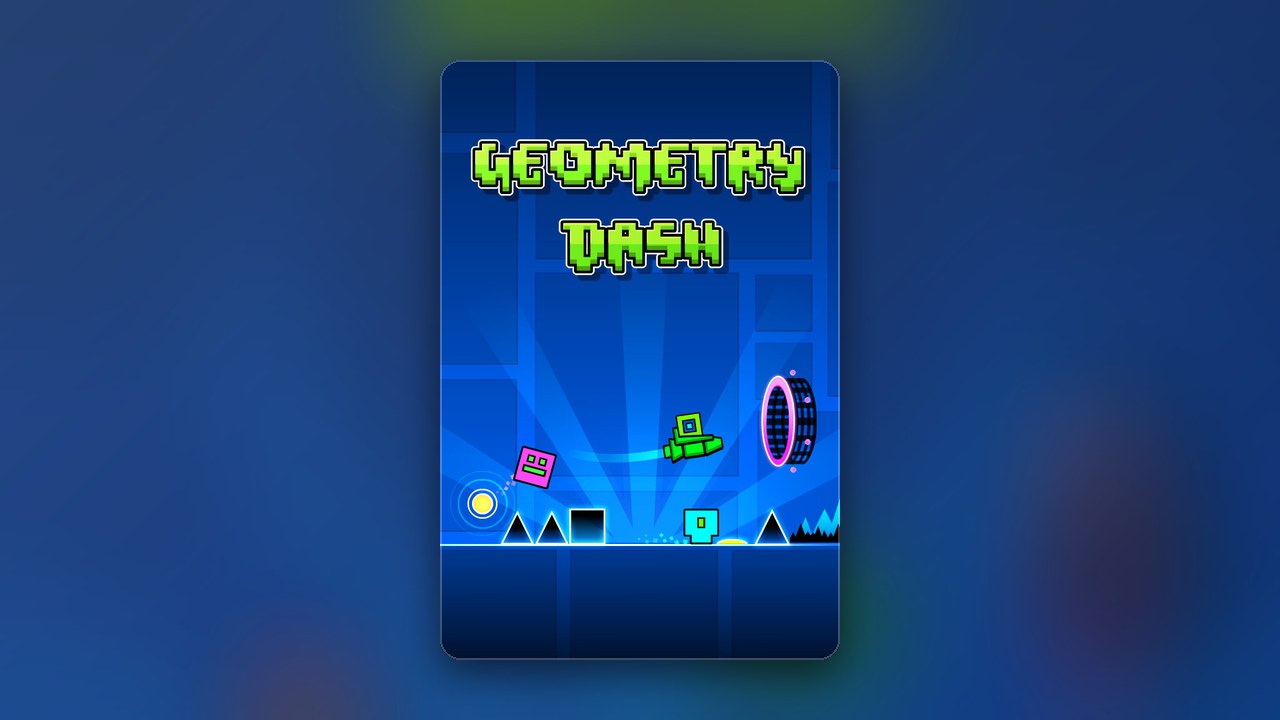
Geometry Dash hides brutal precision inside a deceptively simple package: tap to jump, survive the obstacles, restart when the beat drops at the worst possible moment. It pairs precision platforming with a pulsing electronic soundtrack that makes every failed run feel like a personal affront. The game has a huge following on Steam and on phones, and version 2.2 brought a wave of new content, Mac version included.
Getting Mac Games for Free
Geometry Dash on Mac free of charge is only part of the story: the full game is paid, and the free options are limited. Some pages claim to deliver the full game at no cost; others lead to outdated builds that throw errors on current macOS versions or refuse to open because macOS itself flags them as unverified. Unofficial downloads from outside the official stores carry real risk: one bad file can compromise the Mac it lands on, expose the personal details stored there, and lock you out of accounts you rely on, and the files are rarely up to date with the version players are actually discussing.
The safe path is straightforward. Geometry Dash sells for a modest price on Steam, where the Mac build is listed alongside the Windows version. The App Store version is built for iPhone and iPad, and whether it is offered on an Apple Silicon Mac depends on its listing. If you want to try before you buy, Geometry Dash Lite is a free, official release from the same developer that covers a slice of the full game. Whether Lite installs on your Apple Silicon Mac through the App Store is worth checking on its listing, since that depends on your Mac and your macOS version. For the full game on a Mac, Steam is the dependable store, a Steam gift card from Eneba or from your Snakzy rewards can pay at the checkout, and updates such as 2.2 arrive through Steam.
Play Games, Earn Real Rewards
Discover new mobile games in our app, earn coins for milestones and tasks, then redeem them for gift cards you can spend on the games you actually want.
Start Earning NowHow to Get Geometry Dash on Mac for Free?
Geometry Dash is a paid title, so a fully free copy of the complete game does not exist through official channels. The practical answer is to use Geometry Dash Lite for a no-cost taste of the game, then earn a Steam gift card with Snakzy coins to put toward the full version on Steam, which sells the Mac build.
From zero to the full game, the path runs:
- Put Snakzy on your phone and sign up.
- Discover and play mobile games inside Snakzy, earning coins as you hit milestones and complete tasks.
- Choose the Steam gift card in the rewards section and pay for it with coins.
- Use the card balance to buy Geometry Dash on Steam, which lists a Mac build alongside Windows.
- Download the official version and play with all content, including the version 2.2 update, fully intact.
Can I play Geometry Dash for free on my Mac?
Yes, in a limited sense. Geometry Dash Lite is the developer’s official free release and covers a selection of the game’s early levels at no cost. Check the App Store listing to confirm compatibility with your specific Mac model and macOS version before downloading, as Apple Silicon support can depend on the hardware generation you are running. If Lite is not offered for your Mac, the Steam version is the dependable route.
Can Geometry Dash run on Mac?
The full game is available on Steam, which supports Mac alongside Windows. The mobile version on the App Store is built for iPhone and iPad, and whether it is offered on an Apple Silicon Mac depends on its listing. If you are on an older Intel Mac, checking the Steam system requirements for your macOS version is the most reliable way to confirm compatibility before purchasing.
Play Mobile Games & Earn Real Rewards
Snakzy is a rewards app for mobile gamers designed around discovery. Open the app, find games worth playing, and earn coins as you progress through milestones and tasks. Those coins convert into real-world rewards you can actually use.
- Explore the Snakzy game library and install the titles you want to try.
- Get coins for every milestone and task you complete.
- Spend coins in the rewards section on Apple gift cards, other platform cards, or Eneba wallet funds.
Earning your way to the full game via Steam gift card means you never have to weigh risk against reward. You play, you earn, you buy from the official source, and the version you end up with is the current one, fully supported, and yours to keep. Join Snakzy and start earning for your next Mac game today.
Related posts




Play to earn
Your Next Game, On Us
Play mobile games in Snakzy, earn coins as you go, and turn them into gift cards for the store of your choice.
Get Started Free