Get this game free with Snakzy
Play mobile games in our free app, earn coins for milestones and tasks, then redeem an Apple gift card or a Steam gift card and buy the game on the Mac App Store or Steam.
- 4.5 on Google Play
- 1M+ players
- 100,000+ rewards
- 18+ only
- Step 1Install Snakzy and pick a game you like.
- Step 2Play and earn coins for milestones and tasks.
- Step 3Redeem an Apple or Steam gift card and buy the game.
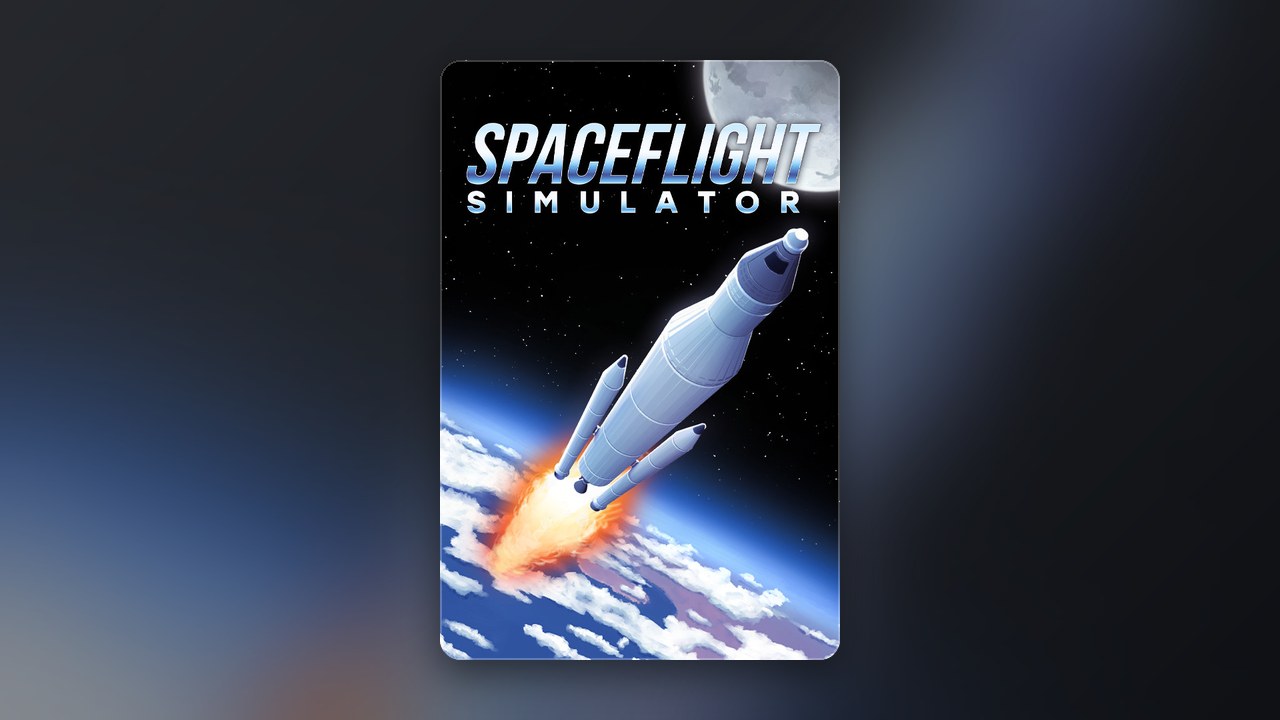
Spaceflight Simulator is a rocket-building sandbox blending realistic orbital physics with a creative construction system that lets you design, launch, and pilot custom spacecraft. Originally released as a mobile title, it has built a dedicated following for the depth of its engineering challenges and the satisfaction of achieving a stable orbit from scratch. If you want to play Spaceflight Simulator on Mac, the short answer is yes on Apple Silicon Macs: the game is listed on the Mac App Store, free to install, with paid expansions you can cover through Snakzy.
Getting Mac Games for Free
Here is where things get frustrating: a number of download listing pages describe Spaceflight Simulator as a direct, native Mac download, sometimes quoting a specific macOS version requirement. What those pages actually link to is far less clear. Clicking through often leads to external pages rather than anything you would recognize as a real Mac application. Offers of paid games for nothing, pages that ask for login details, and files from unofficial sources all put your device, personal data and account at risk. None of that is worth it. The safe path is straightforward: buy from the official source, whether that is the Mac App Store or Steam, or use a legitimate gift card from Eneba to cover the cost.
Play Games, Earn Real Rewards
Discover new mobile games in our app, earn coins for milestones and tasks, then redeem them for gift cards you can spend on the games you actually want.
Start Earning NowCan You Run Spaceflight Simulator Natively on a Mac?
Yes, on an Apple Silicon Mac. Spaceflight Simulator is listed on the Mac App Store, and its store page on your Mac shows whether your machine is supported before you install anything.
That works because Macs running Apple Silicon can install iOS and iPadOS apps directly from the Mac App Store, so the mobile version of Spaceflight Simulator runs on them. Intel-based Macs cannot install those apps, so on older hardware check whether the Steam listing shows macOS support before you buy, since it may list Windows only. If neither route is confirmed available at the time you check, installing the game from an unofficial source is not a substitute worth considering. The risks to your device and data are real, and the experience will not be the same as the genuine article.
Can I Play a Flight Simulator on a Mac?
Yes, Mac users have legitimate access to several flight and spaceflight simulation titles through the Mac App Store and Steam. Whether Spaceflight Simulator specifically is listed as compatible with your Mac depends on your hardware generation, so checking both stores directly gives you the clearest answer for your machine.
How to Get Spaceflight Simulator on Mac for Free?
The Mac App Store version is free to install with paid expansions, and the Steam version is sold separately, so the gift-card route covers whichever purchase applies to your setup. Snakzy makes that straightforward: you earn coins by playing mobile games, then trade those coins for an Apple gift card or a Steam gift card and use it at whichever official store carries the version that fits your Mac.
- Install the Snakzy app and sign up.
- Browse the game library and start playing titles that match your taste.
- Complete in-game milestones and tasks to accumulate coins.
- Head to the Snakzy rewards section and trade your coins for an Apple gift card or a Steam gift card.
- Add the gift card to your Apple account or Steam wallet, then spend it at the official listing: on the expansions in the Mac App Store, or on the game itself on Steam.
Apple Silicon Mac owners should start with the Mac App Store, where the game is listed. Steam users should verify Mac compatibility on the game’s store page before purchasing. Either way, buying through an official store means you get security updates, the developer’s supported build, and a purchase tied to your real account.
Is Spaceflight Simulator 2 Going to Be Free?
The developer has not said whether Spaceflight Simulator 2 will be free. No price model, free, paid or something in between, has been officially announced. Checking the developer’s own channels when it releases will give you the accurate picture.
Play Mobile Games & Earn Real Rewards
Snakzy is a play-to-earn app that connects you with new mobile games and turns the time you spend playing them into real value. The earning loop is simple and the rewards are practical.
- Find new mobile games in the Snakzy app and play the ones that appeal to you.
- Earn coins for the goals you reach in each game.
- Trade your coins for Steam and Apple gift cards or other platform cards, or for Eneba wallet funds to use on Eneba.
If you want the paid parts of Spaceflight Simulator on your Mac without spending your own money, this route delivers: real gift card value, no files from unknown sources, and a purchase you own through an official account.
Redeeming coins for an Apple or Steam gift card and buying Spaceflight Simulator through the official store is cleaner, safer, and more satisfying than any shortcut that does not deliver what it promises. Your progress, your saves, and your device all stay protected. Ready to start earning? Get the Snakzy app and put your playtime to work.
Related posts




Play to earn
Your Next Game, On Us
Play mobile games in Snakzy, earn coins as you go, and turn them into gift cards for the store of your choice.
Get Started Free