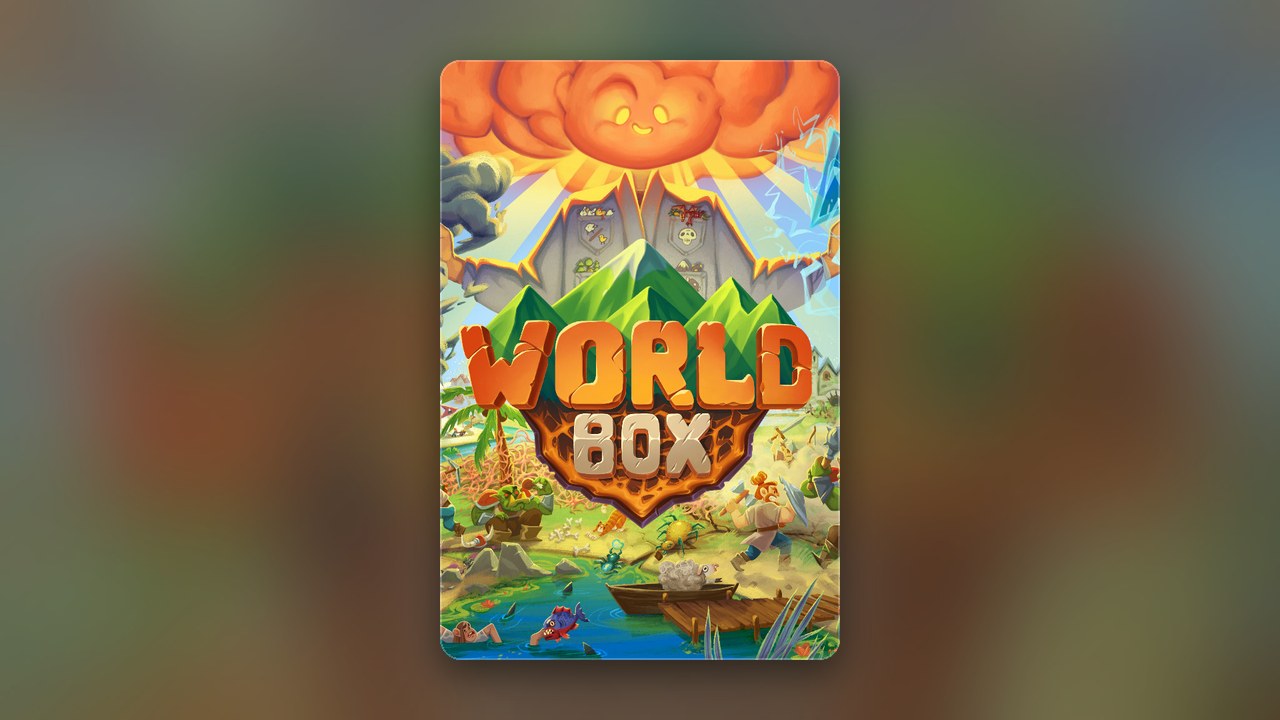
Get this game free with Snakzy
Play mobile games in our free app, earn coins for milestones and tasks, then redeem an Apple gift card or a Steam gift card and buy the game on the Mac App Store or Steam.
- 4.5 on Google Play
- 1M+ players
- 100,000+ rewards
- 18+ only
- Step 1Install Snakzy and pick a game you like.
- Step 2Play and earn coins for milestones and tasks.
- Step 3Redeem an Apple or Steam gift card and buy the game.
WorldBox God Simulator is a sandbox god game created by developer Maxim Karpenko and gradually expanded into a rich desktop experience. The concept is deceptively simple: you shape a world, seed it with civilizations, then watch kingdoms rise, clash, and collapse while you rain down volcanoes, plagues, or dragon fire at your whim. Playing WorldBox God Simulator on Mac means the Steam build with macOS support, which makes it one of the more accessible sandbox titles for macOS players looking for deep, open-ended play.
Getting Mac Games for Free
The tempting shortcuts people find first are rarely the easy route. Offers promising a free copy of the paid Steam build, expired codes shared across forums, or downloads from unofficial sources all carry real risk to your device and your accounts. The only safe path to the full desktop game is buying it directly through Steam at its current price, paid for directly or with a Steam gift card, bought on Eneba or earned in Snakzy. Both routes put you in control and keep your Mac and your accounts protected.
Play Games, Earn Real Rewards
Discover new mobile games in our app, earn coins for milestones and tasks, then redeem them for gift cards you can spend on the games you actually want.
Start Earning NowHow to Get WorldBox God Simulator Mac for Free?
You can get WorldBox God Simulator on Mac for free by earning a Steam gift card via the Snakzy app, then spending it on the official Steam store listing. Snakzy is a free play-to-earn mobile app where you play mobile games and convert milestones into real rewards, including Steam gift cards that work directly toward your purchase.
Here is the step-by-step path from app to ownership:
- Download the Snakzy app on your mobile device.
- Play new mobile games that the Snakzy app puts in front of you.
- Earn coins along the way by hitting in-game goals.
- Claim a Steam gift card with your coins, or take Eneba wallet funds and buy the card on Eneba.
- Head to the WorldBox Steam page, add the game to your cart, and apply your card at checkout.
You may wonder whether the Steam build runs properly on newer hardware, because the listing names OSX 10.9.5 to 10.11.6 as both the minimum and the recommended system, which are old macOS versions. Nothing official confirms whether the current build runs natively on Apple Silicon chips or relies on compatibility layers. The safest step is to check the Steam system requirements page directly before purchasing, since that listing reflects the developer’s own current guidance and is updated more reliably than any third-party summary.
Is WorldBox Playable on Mac?
Yes, WorldBox is playable on Mac through Steam, which sells a Mac build of the game. This is the most straightforward route for desktop play and gives you access to the full feature set, community maps, and ongoing updates. Check the Steam store page to confirm your current macOS version meets the listed requirements before buying.
Mac vs Mobile: Which Version Is Better?
For long building sessions and complex worlds, the Mac build is the better home; the mobile version wins on convenience. The mobile version of WorldBox is free on iOS and Android and covers the core sandbox loop well, but the Steam build on Mac delivers a meaningfully different experience: a larger map view, mouse-driven controls that make placing units and triggering powers more precise, and access to community-made maps shared by players. Nothing on the store pages settles whether worlds sync between mobile and desktop, so assume separate saves unless the app itself shows otherwise. If you already enjoy the mobile game and want more depth, the Steam version is a separate purchase, but it is the natural step up.
Is WorldBox God Simulator worth it for Mac players specifically? For anyone drawn to sandbox games with long replay value, the answer is a straightforward yes. The combination of procedural world-building, emergent civilization behavior, and an ever-growing set of powers gives each session a different shape. The mouse and keyboard setup on Mac makes the god-simulator controls feel more deliberate than tapping on a phone screen, which suits the slower, world-watching pace the game rewards.
Play Mobile Games & Earn Real Rewards
Snakzy connects mobile gaming to real-world value. Every session you put into the app moves you closer to a reward you can actually spend, whether that is a Steam gift card for a desktop purchase or Eneba wallet funds for broader digital content. The earning rhythm is plain: play, hit milestones, collect coins, redeem.
- Open the app, choose a mobile game you like the look of, and play it.
- Earn coins as you complete tasks and reach milestones inside those games.
- Exchange coins for Steam or other platform gift cards, or for Eneba wallet funds spent on Eneba itself.
Getting WorldBox running on your Mac does not have to mean hunting for offers that go nowhere or risking your device on downloads from sources you cannot verify. Earning a Steam gift card in the Snakzy app is a straightforward, legitimate path to a purchase you will actually enjoy. Download Snakzy, start earning, and put your next session toward WorldBox on Mac.
Related posts




Play to earn
Your Next Game, On Us
Play mobile games in Snakzy, earn coins as you go, and turn them into gift cards for the store of your choice.
Get Started Free