Get this game free with Snakzy
Play mobile games in our free app, earn coins for milestones and tasks, then redeem an Apple gift card or a Steam gift card and buy the game on the Mac App Store or Steam.
- 4.5 on Google Play
- 1M+ players
- 100,000+ rewards
- 18+ only
- Step 1Install Snakzy and pick a game you like.
- Step 2Play and earn coins for milestones and tasks.
- Step 3Redeem an Apple or Steam gift card and buy the game.
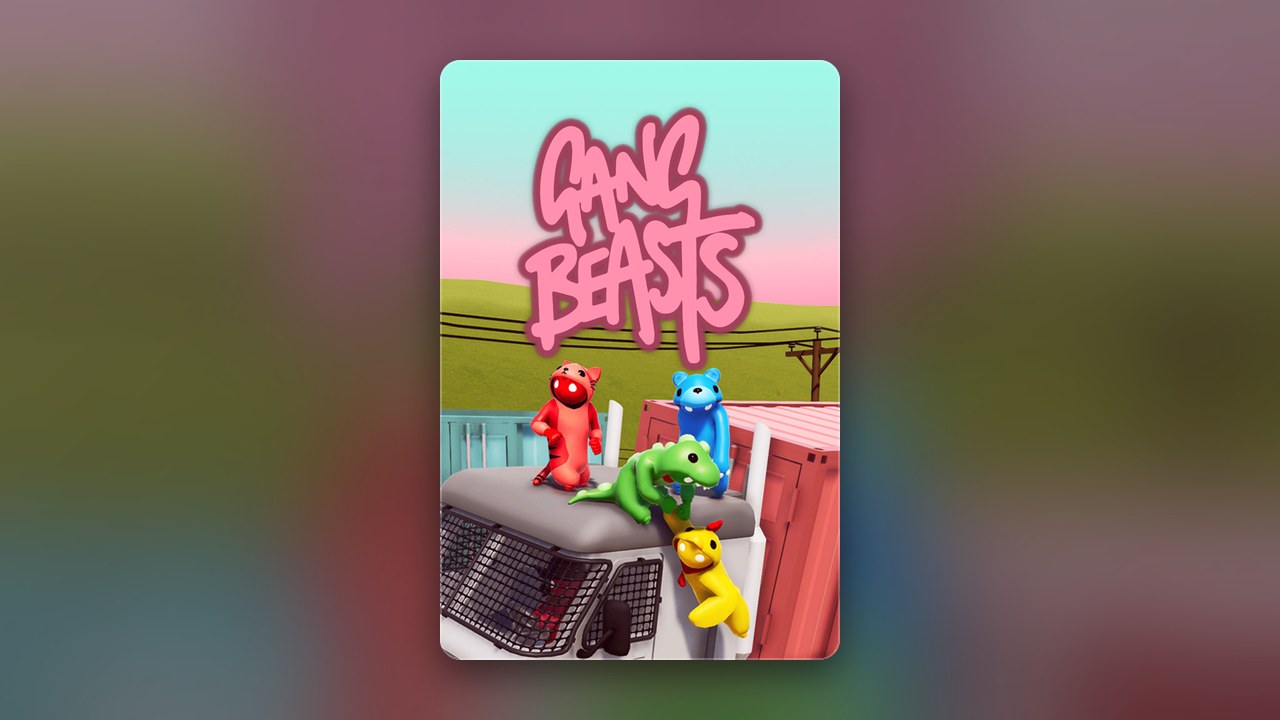
Gang Beasts is a wonderfully chaotic multiplayer party brawler. Players control wobbly, gelatinous fighters across colourful arenas, grappling and shoving each other off platforms in matches that rarely go the way you planned. The good news for Mac owners is that Gang Beasts Mac support is real: the developer sells the macOS version on Steam, Humble and Itch. It is a paid game, and a Steam gift card you earn in Snakzy can go toward it on Steam, as the route below shows.
Getting Mac Games for Free
Finding a paid game for nothing on Mac is trickier than it looks. Plenty of pages offer download buttons that lead to outdated versions of the game, ad mazes, or files that have nothing to do with the current build. Offers that promise paid games for nothing nearly always turn out to be expired codes, pages that ask for login details, or downloads from unofficial sources that hand over your device and your accounts to whoever built the fake. It is also worth knowing that listings appearing in general download directories can show years-old versions of a game, giving the false impression you are getting something current and official. The safe approach is straightforward: buy Gang Beasts from an official store, and on Steam you can pay for it with a Steam gift card, earned in Snakzy or bought on Eneba. That way you get the real, up-to-date game with no surprises.
Play Games, Earn Real Rewards
Discover new mobile games in our app, earn coins for milestones and tasks, then redeem them for gift cards you can spend on the games you actually want.
Start Earning NowHow to Get Gang Beasts on Mac for Free?
The most reliable method is earning a Steam gift card via the Snakzy app, then spending it on Gang Beasts through the official Steam store. You never need to hand over payment details to an unfamiliar page or gamble on whether a code is still valid. Snakzy turns the mobile games you already play into real purchasing power.
- Download Snakzy and browse the selection of mobile games available in the app.
- Watch your coins grow as you complete tasks and reach milestones.
- Redeem your coins for a Steam gift card, or for Eneba wallet funds to buy one on Eneba.
- Head to the official Steam store, find Gang Beasts, and complete your purchase using your earned credit.
- Install on Mac and start playing straight from your Steam library.
Is Gang Beasts Available on Mac?
Yes, Gang Beasts is available on macOS through Steam, where the developer lists it as a supported platform alongside Windows and Linux. The Steam version is the most convenient route for Mac users and gives you access to updates as they arrive. The Humble store also sells it with a DRM-free Mac build, and Itch carries it too.
Mac owners still ask whether Gang Beasts runs natively on Apple Silicon Macs with M-series chips, or whether it depends on Rosetta 2 translation. Nothing from the developer officially confirms native Silicon support at the time of writing, so the honest answer is to check the current Steam listing for system requirements before buying. The store page will tell you exactly what the game supports, and that information is more reliable than anything written here months or years later.
What Is Gang Beasts Playable On?
Gang Beasts is available on Windows, macOS, Linux, PlayStation 4, PlayStation 5, Xbox, and Nintendo Switch. That is a broad spread, though Mac users should be aware of one notable limitation: the game does not currently support crossplay between Mac and any other platform. If you plan to play with friends on console or Windows, that is worth factoring into your decision.
Play Mobile Games & Earn Real Rewards
Snakzy is a rewards app for mobile gamers that connects mobile gaming with real purchasing power. Every game you play through the app, every milestone you reach, and every task you complete earns you coins that can be turned into tangible rewards.
- Start playing mobile games picked out for you inside Snakzy.
- Score coins for milestones you reach and tasks you finish.
- Put your coins toward a Steam gift card or another platform card, or move them into an Eneba wallet for shopping on Eneba.
It is a straightforward loop: the games you enjoy on your phone generate the credit that pays for the games you want on Mac.
Gang Beasts on Mac is available and well worth picking up if chaotic party brawling is your thing. The smartest path to owning it is earning your way there rather than chasing unreliable offers. Join Snakzy, start earning coins, and put a Steam gift card toward Gang Beasts from the official store.
Related posts




Play to earn
Your Next Game, On Us
Play mobile games in Snakzy, earn coins as you go, and turn them into gift cards for the store of your choice.
Get Started Free