
An offline game keeps going when your signal drops, but offline often covers one mode, not every feature: online battles, multiplayer and some extras still need a connection. The best offline games for Android run from a quiet puzzle to a hard-fought battle, so the question is what you want to do with the time.
Alto’s Odyssey is where we’d start for unwinding, Kingdom Rush for tactical battles, and Minecraft for setting your own building or survival goals.
Compare the best offline games for Android
There are 14 games here. Quick ones for short waits come first, then focused puzzle adventures, then battles and building projects for longer sessions.
| Game | Developer | Platform | Price model | Offline activity |
|---|---|---|---|---|
| Alto’s Odyssey | Noodlecake | Android | Ads, purchases, Play Pass | Sandboarding |
| Crossy Road | HIPSTER WHALE | Android | Free, ads, purchases | Arcade hopping |
| Sudoku: Number Match Game | Brainium Studios | Android | Ads, purchases | Number puzzles |
| Monument Valley | ustwo games | Android | Paid, expansion, Play Pass | Illusion puzzles |
| Monument Valley 2 | ustwo games | Android | Paid or Play Pass | Illusion puzzles |
| The Room | Fireproof Games | Android | Paid or Play Pass | 3D mystery puzzles |
| The Room Two | Fireproof Games | Android | Paid or Play Pass | Artifact puzzles |
| Kingdom Rush Tower Defense TD | Ironhide Games | Android | Ads, purchases, Play Pass | Tower defense |
| Kingdom Rush Origins: TD | Ironhide Games | Android | Paid, ads, purchases, Play Pass | Tower defense |
| Minecraft: Dream it, Build it! | Mojang | Android | Paid, purchases | Solo worlds |
| Terraria | 505 Games Srl | Android | Paid or Play Pass | Solo exploration |
| Dead Cells | Playdigious | Android | Paid, purchases, Play Pass | Solo action |
| BADLAND | HypeHype Inc. | Android | Ads, purchases | Physics-based adventure |
| Cover Fire: Offline Shooting | Viva Games Studios | Android | Free, ads, optional purchases | Solo campaign |
1. Unwind with Alto’s Odyssey
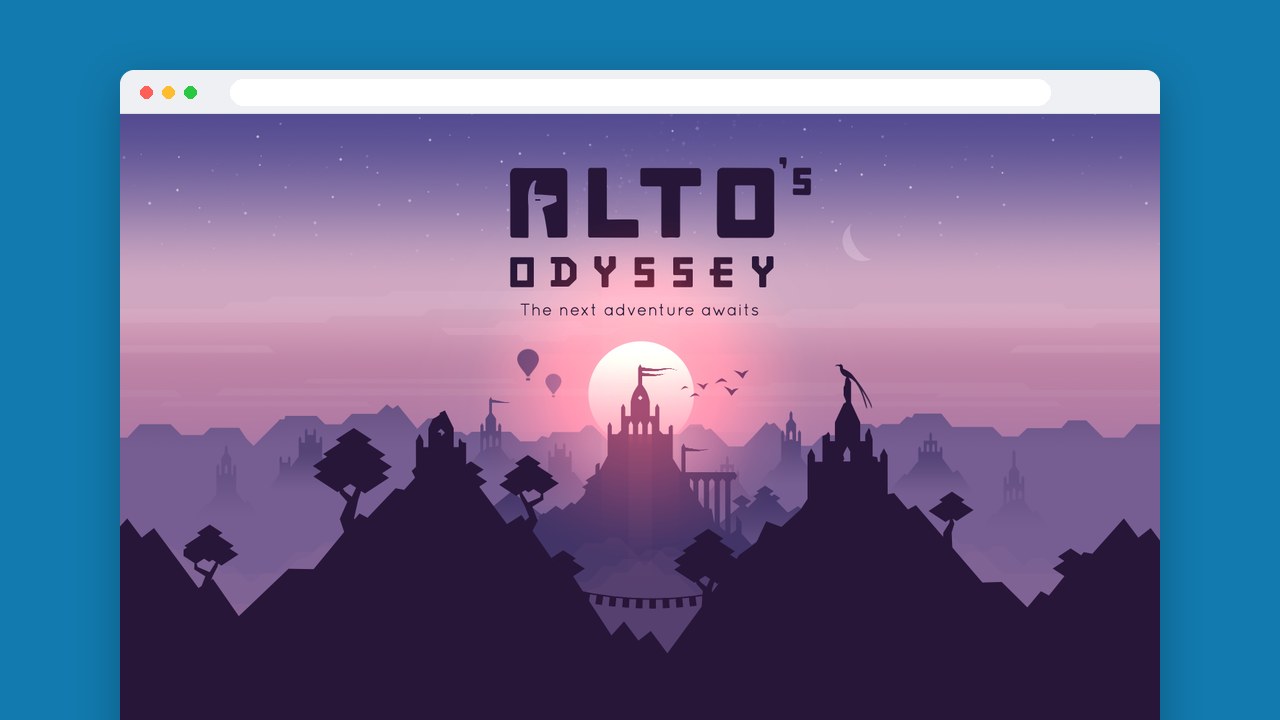
Alto’s Odyssey is a sandboarding game you can play two ways. One-touch tricks and combo chains give you 180 goals to chase, or you switch on Zen Mode, which removes scores, coins and power-ups so you just ride across the desert. That second option is why we’d pick it for winding down. The standard version has ads and in-app purchases; if you already pay for Play Pass, its edition has neither. Some players find it repetitive and the later challenges overly specific, though the scenery and the range of characters get a lot of love.
2. Make another crossing in Crossy Road
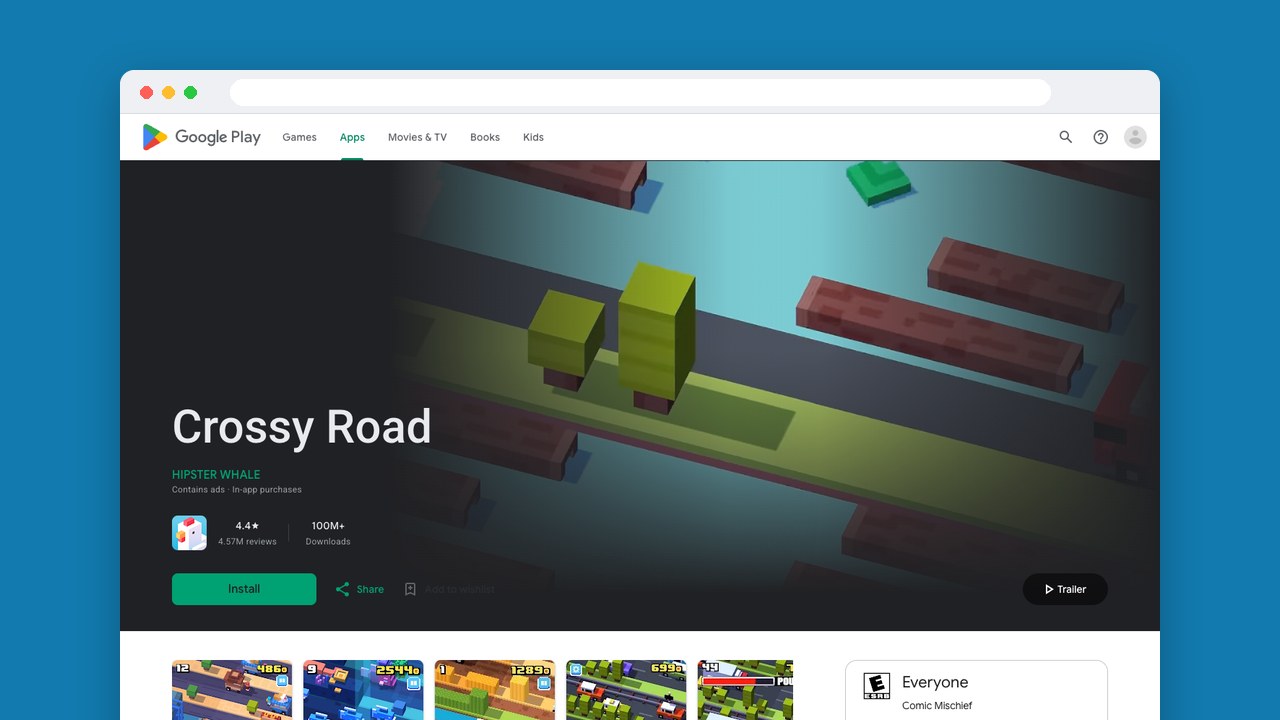
Crossy Road is made for a short wait, because you get it in a second: keep hopping across roads, railway tracks and rivers. More than 300 characters to collect give the endless runs a longer goal, and same-device multiplayer means the person next to you can join in.
It’s free with ads and purchases. Players like how replayable it is and collecting the characters, but some mention forced ads.
3. Learn number logic with Brainium Sudoku
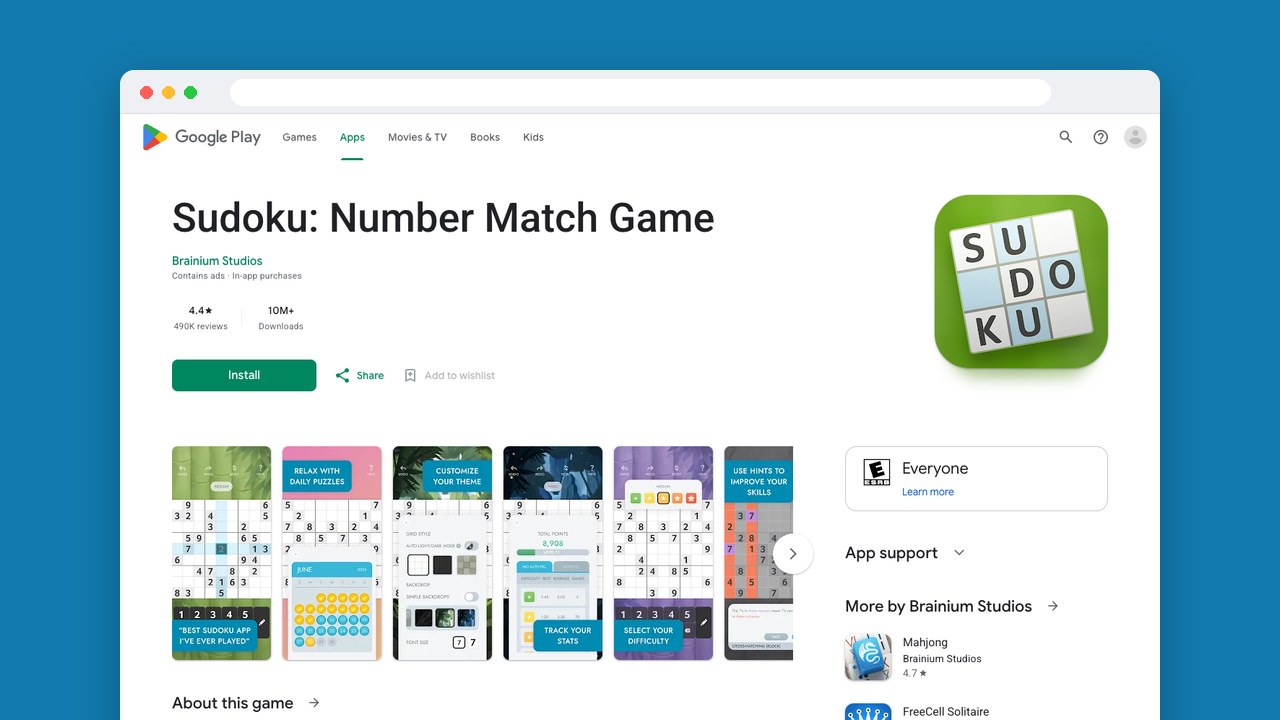
Sudoku: Number Match Game does one thing worth knowing for when you’re stuck: its hints explain why an answer works, so a hint teaches you a technique instead of just filling a square. Players praise that, and the customization. Five difficulty levels and unlimited puzzles suit a daily habit.
It has ads and in-app purchases. The complaints are unreliable number entry, pencil notes that don’t always clear, and intrusive ads.
4. Reshape paths in Monument Valley
Monument Valley is our pick for visual puzzles with a clear destination. You twist and drag impossible architecture to open paths for Princess Ida, so working out the structure is how you move forward. It’s a paid game, also in Play Pass, and the separately sold Forgotten Shores expansion adds more chapters.
The art is what players rave about. Some find the adventure short and easy, and once it’s done, replaying levels is most of what’s left, so choose it for a focused adventure, not a hard challenge to repeat.
5. Follow a family through Monument Valley 2
You don’t need to have played the first one. Monument Valley 2 follows a mother and child, giving the same kind of illusion puzzles a new story, and players like the story, the soundtrack and the puzzle design. Buy it outright or play it through Play Pass.
Some think it’s shorter and easier than the original. That’s fine if you want the story and setting to carry it, and a plus if a steep difficulty curve would stop you finishing.
6. Examine a mystery in The Room
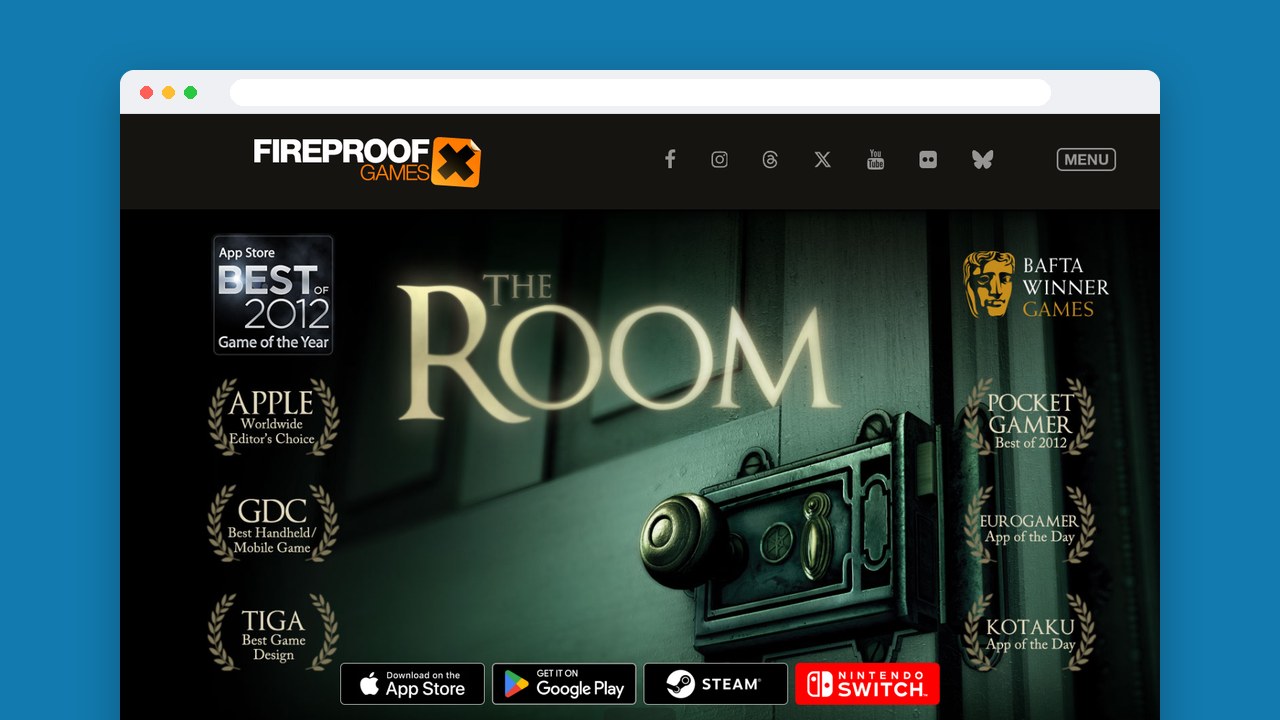
The Room is all about looking closely. Its tactile 3D puzzles work with one finger and give you a mystery to examine when more hopping or sandboarding would feel too samey. Players describe clever puzzles that build on earlier ones and praise the atmosphere, though some wish it lasted longer.
Because it’s short, it won’t fill a whole trip on its own, so pair it with something you can replay, like Crossy Road. It’s a paid game, also in Play Pass.
7. Inspect artifacts in The Room Two
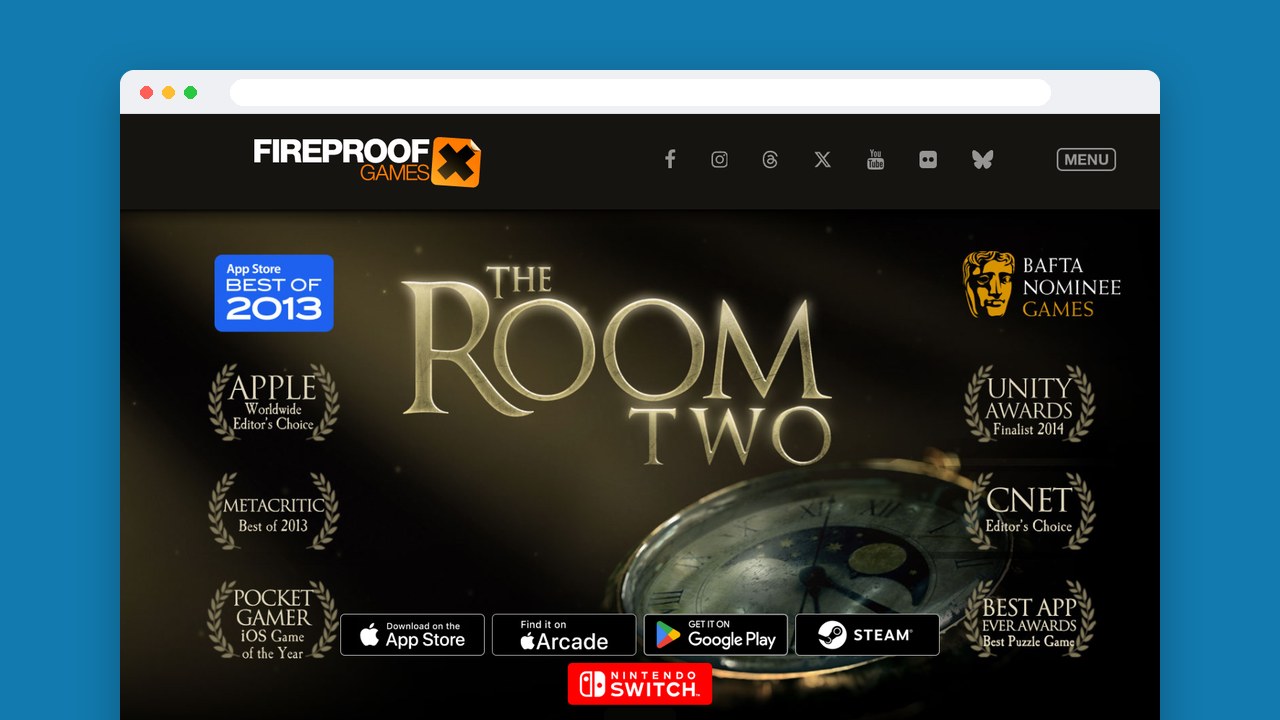
The Room Two gives you dozens of artifacts to examine for hidden secrets, tied together by cryptic letters from a scientist known as AS, and it rewards patient attention to clues. The sequel is paid and also part of Play Pass, so subscribers get another mystery without buying it.
Players call the puzzles immersive and satisfying, but some find them too hard for younger children without help. If the family is sharing it, keep an adult nearby.
8. Plan your defense in Kingdom Rush
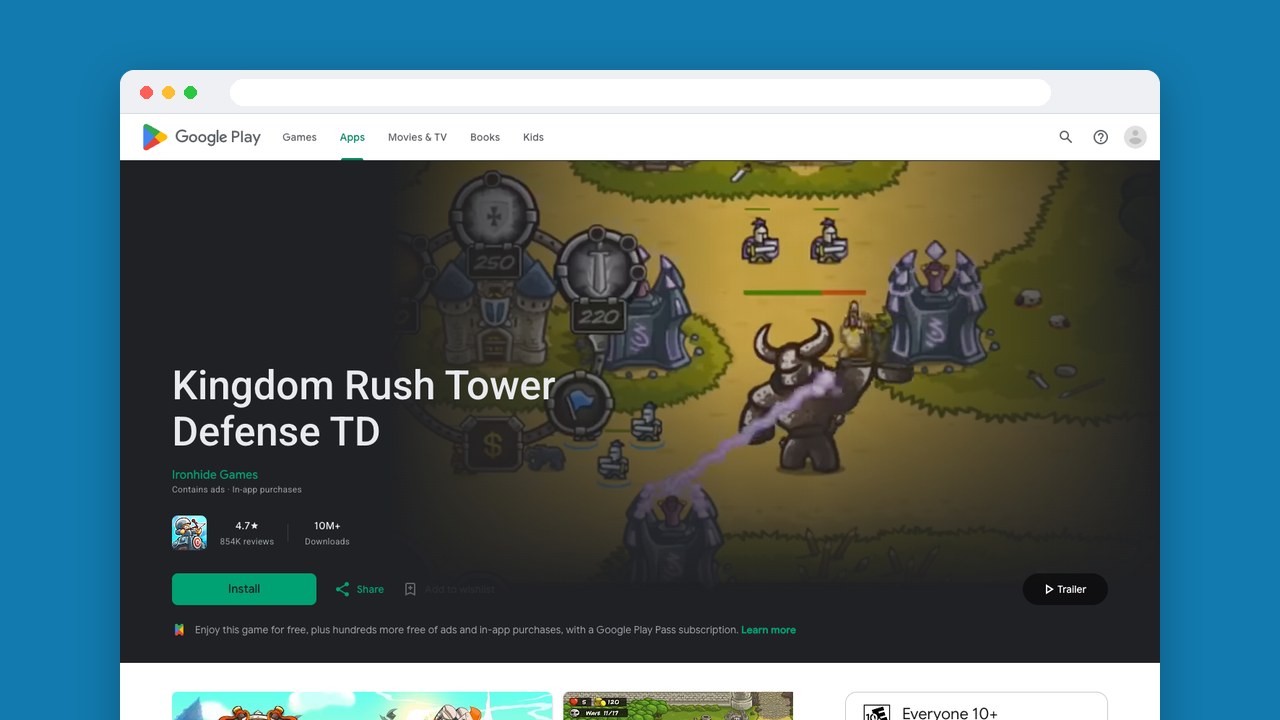
Kingdom Rush is for you if you like rethinking a strategy after a hard battle. Towers, heroes and tactical support make up your defense, with 18 tower abilities, 13 heroes and more than 50 enemy types, and extra offline modes give you more ways to replay it.
Players praise the challenge and the polish, and some say they progress without buying anything. The standard edition has ads and in-app purchases; Play Pass subscribers get an edition without either, which takes the spending decisions out of the battles.
9. Command elves in Kingdom Rush Origins
The prequel, Kingdom Rush Origins, gives its elven tower defense two separate dials: Classic, Iron and Heroic modes change the format, and three difficulty settings change how hard it gets. It suits players who like staying busy during attacks and trying different approaches.
You buy the game, and it also has ads and in-app purchases, plus a Play Pass edition. The catch players point out is that buying it doesn’t get you every character, and some dislike paying again for the rest.
10. Set your own goals in Minecraft
Minecraft lets you set the pressure. Creative mode gives you unlimited resources to build with, while Survival adds tool crafting, enemies and danger at night, so the mode to start with depends on whether you want a building project or a fight to stay alive.
The Android version is a paid game sold separately from the desktop version, and it has in-app purchases too. Players like that it plays offline, and the updates, but some say they lost items after leaving it running in the background, so close it before you switch tasks, especially in Survival.
11. Dig and build in Terraria
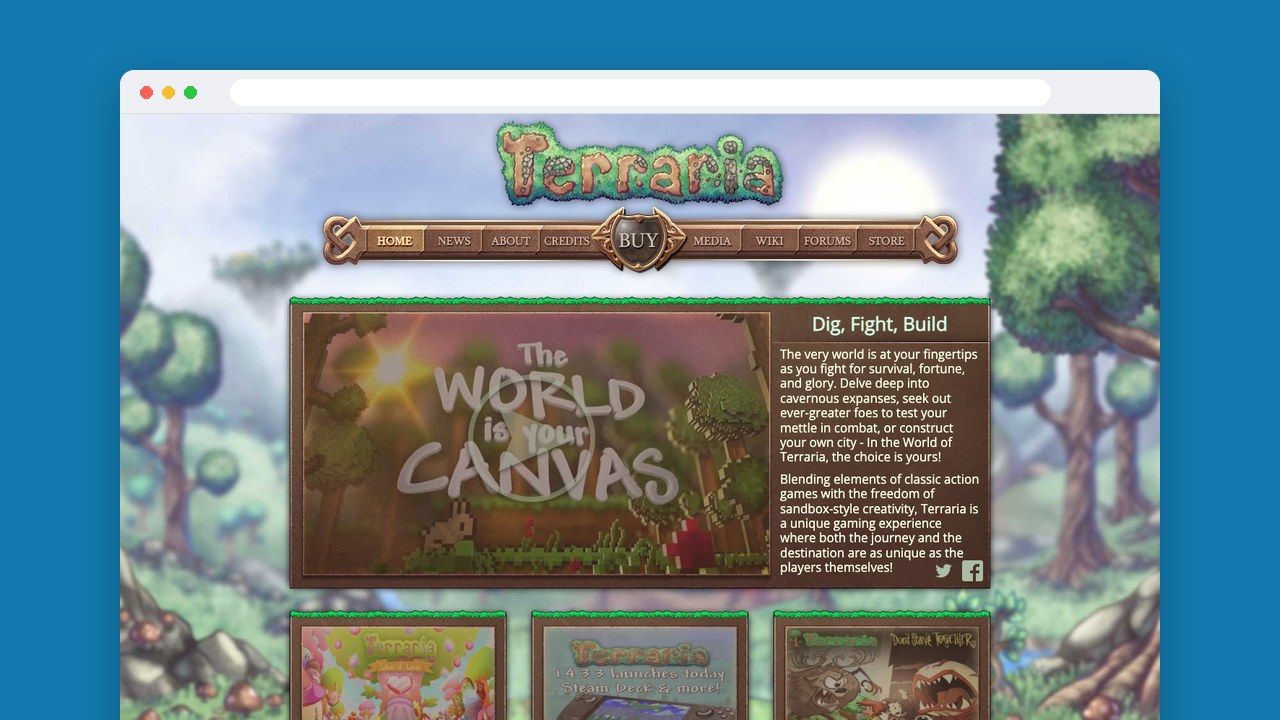
Terraria mixes digging, exploring, building and fighting, so it’s our suggestion if building alone would leave you wanting more action. Players praise the combat and exploration, though some find the early game slow or grindy. It’s a paid game, or part of Play Pass.
Opinions on the touch controls differ, but you can customize them, and you can remap gamepad buttons where that’s supported. Without a connection, play solo: multiplayer needs local Wi-Fi or an online connection.
12. Improve through attempts in Dead Cells
Dead Cells is frantic 2D combat in a connected world you explore, and permadeath makes starting again part of the challenge. We’d pick it if getting better with every attempt is what you enjoy. It’s paid, with in-app purchases and a Play Pass version, and it has no ads or free-to-play mechanics.
Original and Auto-Hit modes, adjustable touch buttons and controller support give you different ways to handle the action. Players love the weapons and the feeling of getting stronger, but are sharply split on the touch controls, so think about how you’ll play before you buy.
13. Share one screen in BADLAND
BADLAND’s forest creature makes its way through physics-based traps and obstacles across a 100-level solo campaign, and competitive and co-op modes let up to four people play on one device. When the people beside you want in, they can join. It has ads and in-app purchases.
Some players report freezes when levels update, so try an update before a trip if you’re counting on the campaign. Otherwise the visuals and the smooth controls get the praise.
14. Take on campaign missions in Cover Fire
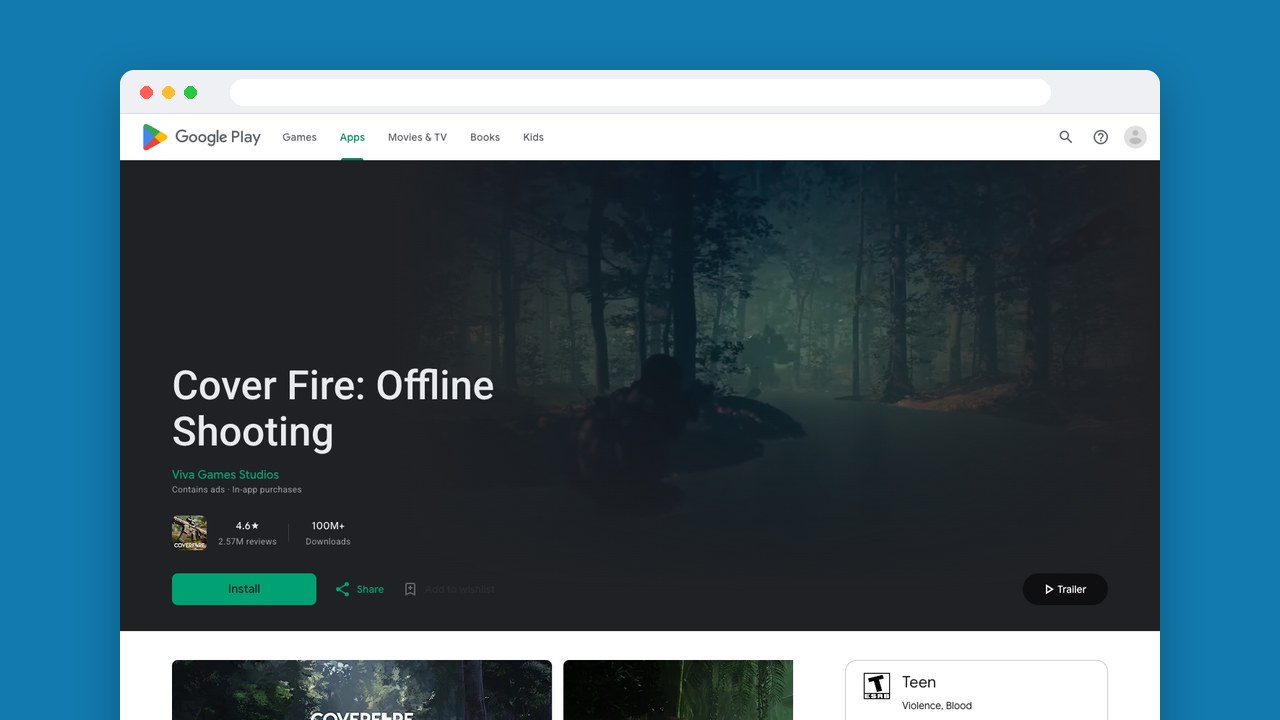
Cover Fire’s single-player campaign works offline, while the competitive sniper battles need a connection. The 12-chapter story covers army missions, sniper operations, vehicle sections and shooting from a helicopter. It’s free, with ads and optional purchases.
Intrusive ads and slow upgrades are what some players complain about, while the gameplay and presentation get praise. We’d play it for the solo missions, not pay to hurry through the upgrades.
Play Games, Earn Real Rewards
Discover new mobile games in our app, earn coins for milestones and tasks, then redeem them for gift cards you can spend on the games you actually want.
Start Earning NowMatch the game to your downtime
For something to come back to again and again, we’d pick Minecraft if you like inventing your own projects and Dead Cells if getting better at combat is the point. For a quiet trip, Monument Valley or The Room; for short waits, Crossy Road.
When you’re choosing games that don’t need Wi-Fi, do one last check before a trip: turn on airplane mode and try the exact game and mode you plan to play, instead of assuming every feature works offline.
Snakzy (our app): something for when you’re back online
Full disclosure: Snakzy is our app. More than 1 million players have joined it, and they have collectively redeemed over $1.2 million in rewards as of June 2026.
Snakzy works the other way round: earning in it needs a connection, so it’s for when you’re back online. Puzzle, card and arcade games earn points through sessions, milestones and challenges, and once you reach the minimum you can redeem them for PayPal or gift cards. It’s free with no purchase required, and it’s for adults and parents: you need to be 18 or older. Snakzy runs on Android only.
Related posts




Play to earn
Your Next Game, On Us
Play mobile games in Snakzy, earn coins as you go, and turn them into gift cards for the store of your choice.
Get Started Free