
Most solitaire apps on Android start with Klondike, the classic seven-column game, and many add Spider, FreeCell and other variants. What separates them is everything around the cards: whether every deal can be won, whether it plays offline, how comfortable the layout is and how often ads get in the way. Every free pick here comes with ads.
MobilityWare’s Solitaire is the best solitaire app for everyday Klondike on Android, with winnable deals, offline play and layouts you can adjust. Microsoft Solitaire Collection is the one for switching between familiar games, and AI Factory’s Solitaire Pro is paid Klondike without ads.
Find the best solitaire app for your routine
These nine are among the best solitaire games for Android: classic Klondike, collections with lots of rule sets, dedicated Spider and FreeCell games, and one paid app without ads. All of them are on Google Play.
| Game | Developer | Platform and store | Price model | Game options |
|---|---|---|---|---|
| Solitaire Classic Card Games | MobilityWare | Android, Google Play | Free, ads, purchases, Play Pass | Draw 1 or Draw 3 |
| Microsoft Solitaire Collection | Microsoft Corporation | Android, Google Play | Ads, in-app purchases | Five variants |
| Solitaire Classic Card Games | Solebon LLC | Android, Google Play | Free, ads, purchases | 50 games |
| Solitaire: Classic Card Games | PLAYSTUDIOS US, LLC | Android, Google Play | Free, ads, purchases | Customizable Klondike |
| Solitaire.com: Classic Cards | Tripledot Studios Limited | Android, Google Play | Free with ads | Random or winnable deals |
| Spider Solitaire: Card Games | MobilityWare | Android, Google Play | Free, ads, purchases, Play Pass | One to four suits |
| Spider Solitaire | PLAYSTUDIOS US, LLC | Android, Google Play | Free, ads, purchases | Spider and Spiderette |
| FreeCell Solitaire: Card Games | MobilityWare | Android, Google Play | Free, ads, purchases, Play Pass | Four temporary cells |
| Solitaire Pro | AI Factory Limited | Android, Google Play | Purchase or Play Pass | Ad-free Klondike |
1. Make classic Klondike comfortable with MobilityWare
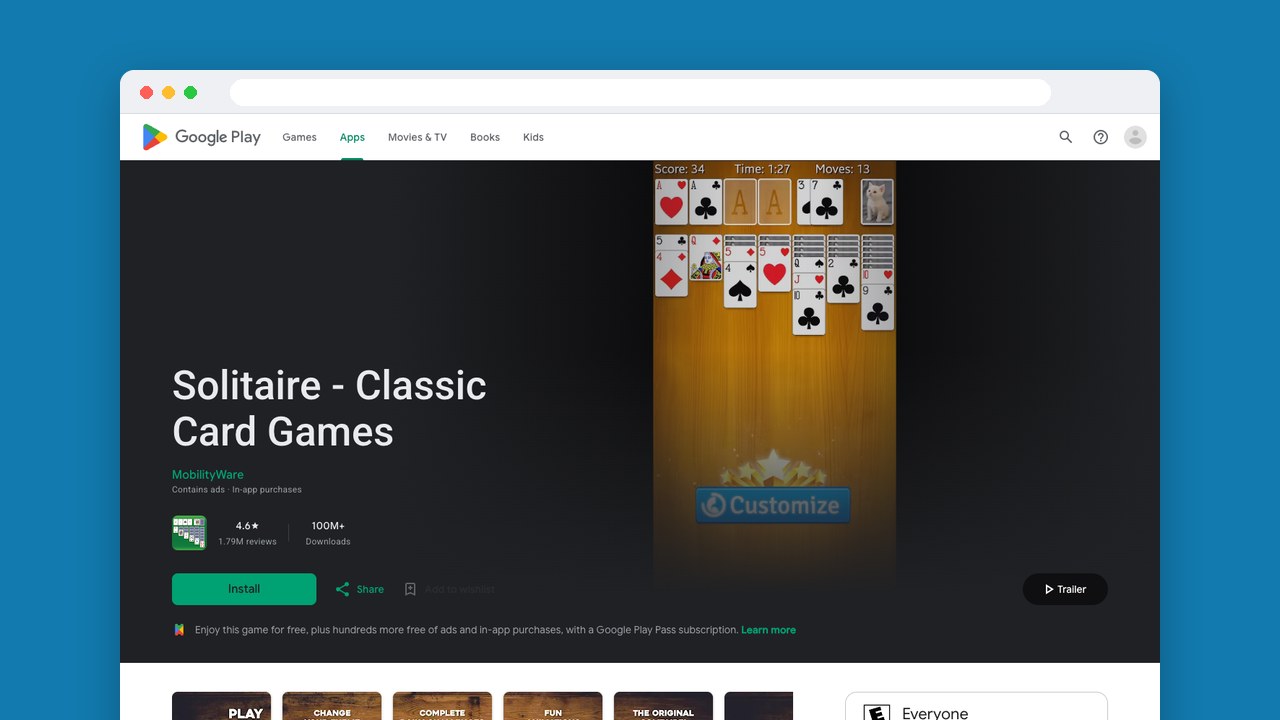
Several apps here give you offline play and winnable deals, Tripledot’s included. What puts MobilityWare first for everyday play is comfort: dark mode, portrait or landscape, left-handed controls, Draw 1 or Draw 3, hints and unlimited undos.
It’s free on Google Play with ads and in-app purchases. Players like the win animations, but describe the ads as anything from manageable to frequent and hard to close, so don’t pick it expecting fewer ads than Tripledot. If you end up keeping it, Google Play Pass has a version without ads or in-app purchases.
2. Switch between five games in Microsoft Solitaire Collection
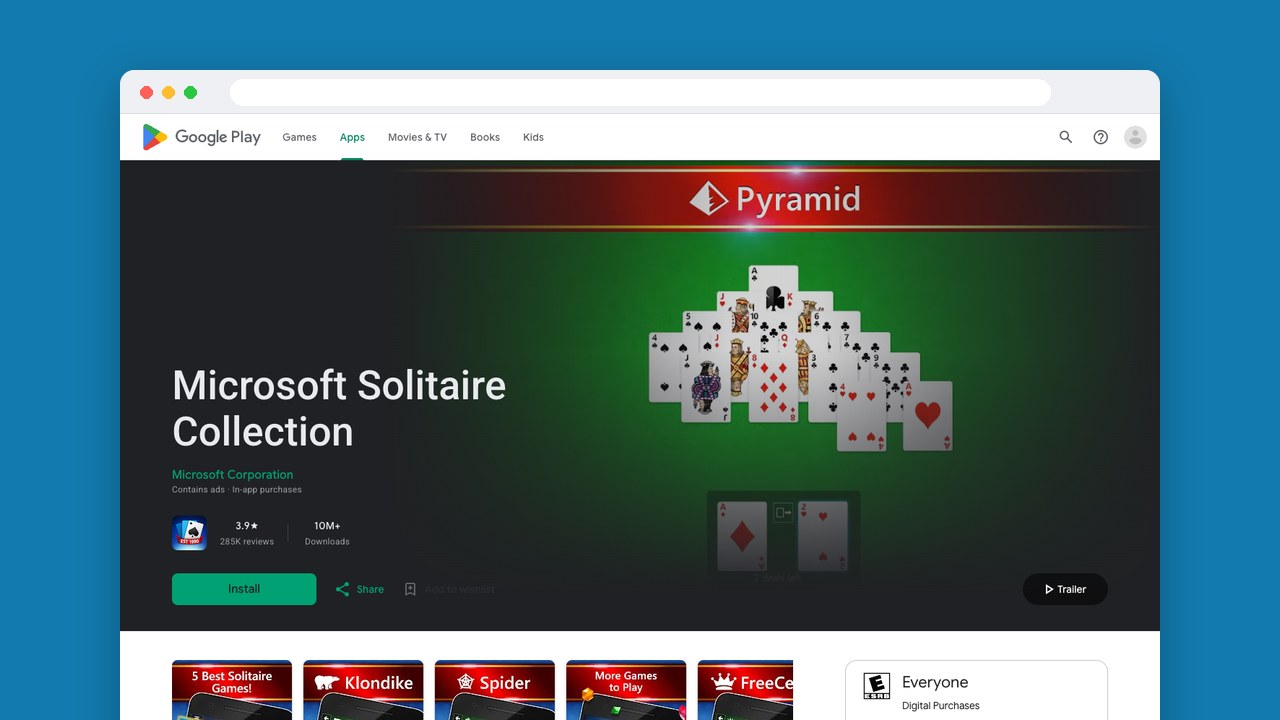
Microsoft Solitaire Collection is our pick if you want several familiar games in one app: Klondike, Spider, FreeCell, TriPeaks and Pyramid, plus five daily challenges at the difficulty you choose. It’s handy if you like solitaire but get tired of the same rules.
The catch is that it needs an internet connection the whole time, so it suits breaks with good signal better than a patchy commute. Playing across devices also needs a Microsoft account. It has ads and in-app purchases.
3. Preview deals before playing with Solebon
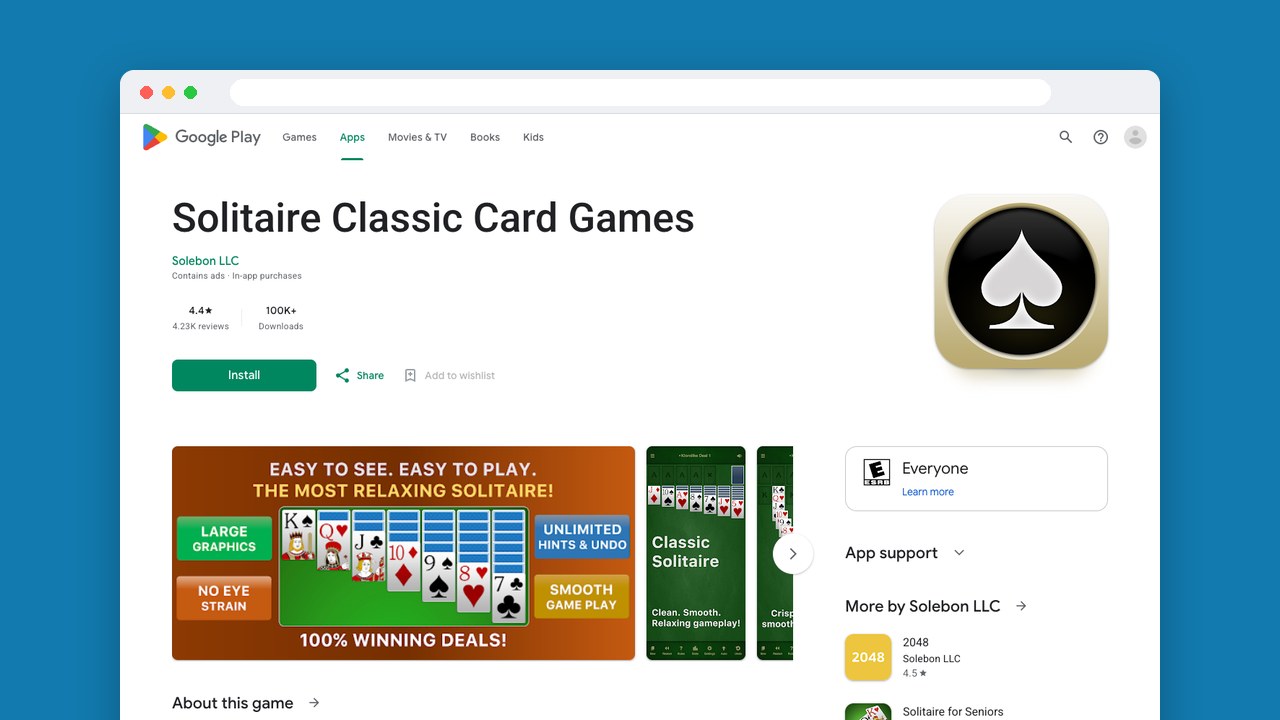
Solebon lets you preview a deal and skip it, so you can see a hand before you spend your break on it. Across a 50-game collection that’s a real help, along with winnable deals, hints, large cards and detailed stats for the games you keep coming back to. It works offline, which makes it our collection pick for breaks without a connection.
Solebon says ads never appear on the game board. The collection is still free with ads and in-app purchases, so that promise is about where the ads go, not about getting rid of them.
4. Personalize Klondike with the Brainium game
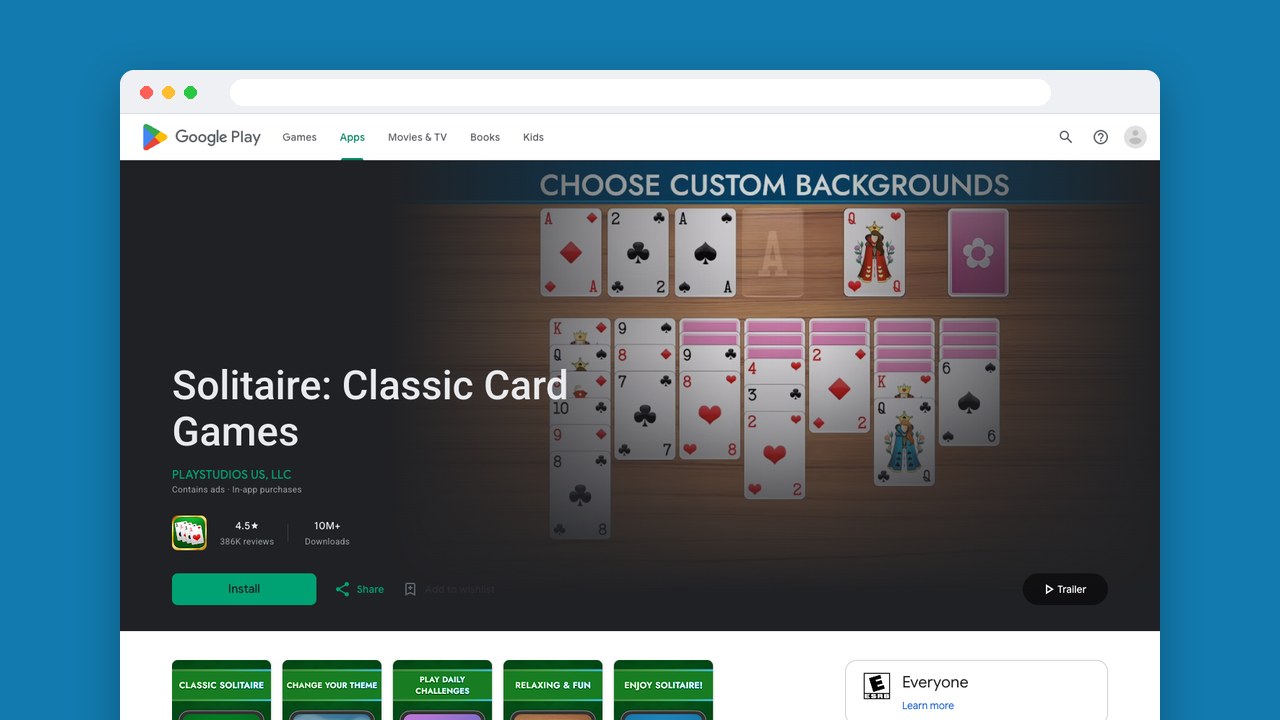
This Solitaire: Classic Card Games carries the Brainium name, but its listing now gives PLAYSTUDIOS US, LLC as the developer, which is the name you’ll see in the table. It’s familiar Klondike set up your way: photo backgrounds, left-handed controls, and light and dark modes, so you can get the screen comfortable without learning a new game. Auto-complete finishes hands you’ve already won, it plays offline, and it’s free with ads and in-app purchases.
Players praise the graphics and the auto-complete. The complaints are intrusive ads, and having to take out a subscription to remove them.
5. Alternate deal types in Tripledot’s solitaire
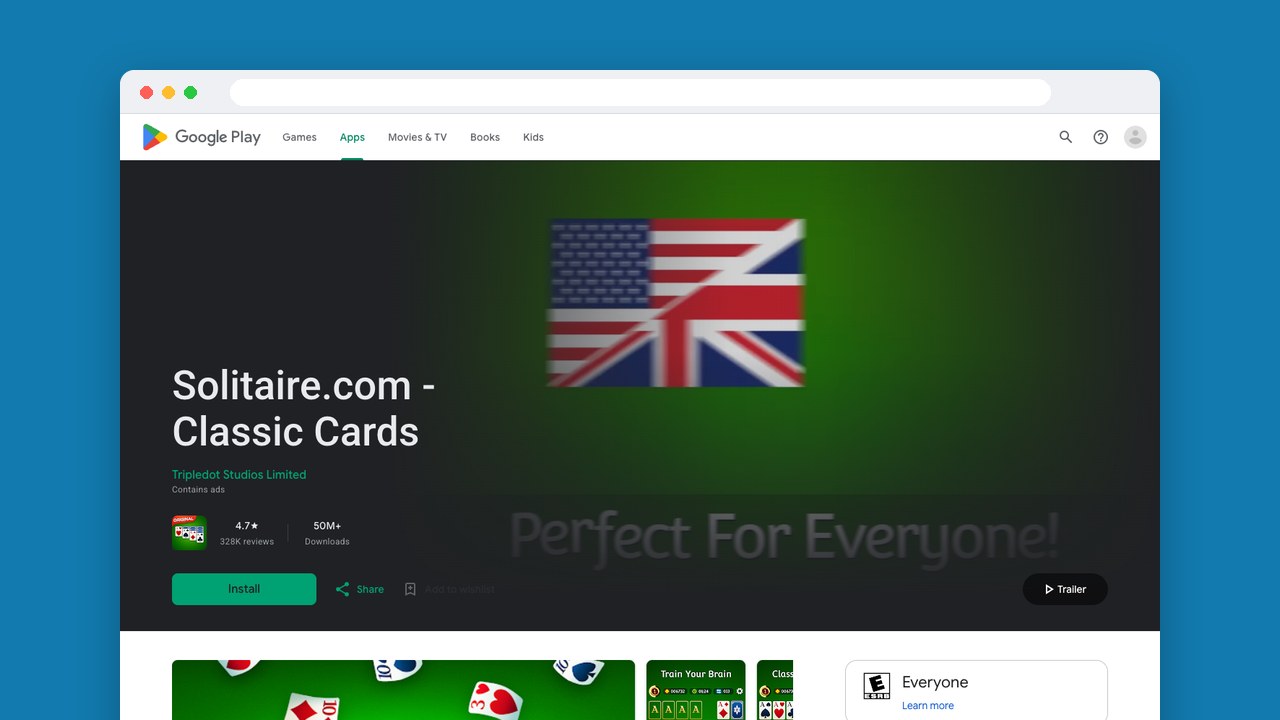
Tripledot’s classic solitaire app is the closest alternative if MobilityWare’s winnable deals are what draw you. A winnable deal always has a solution, and finding it is the game. Random deals are a different challenge in the same seven-column game, building down in alternating colors with foundations from Ace to King.
It’s free with ads, and comes with unlimited hints and undo, custom cards, a left-handed mode and offline play. Players report ads between games, sound playing when they didn’t expect it, and an occasional control problem or crash, so it’s better for breaks where interruptions don’t matter much.
6. Build descending suits in MobilityWare Spider
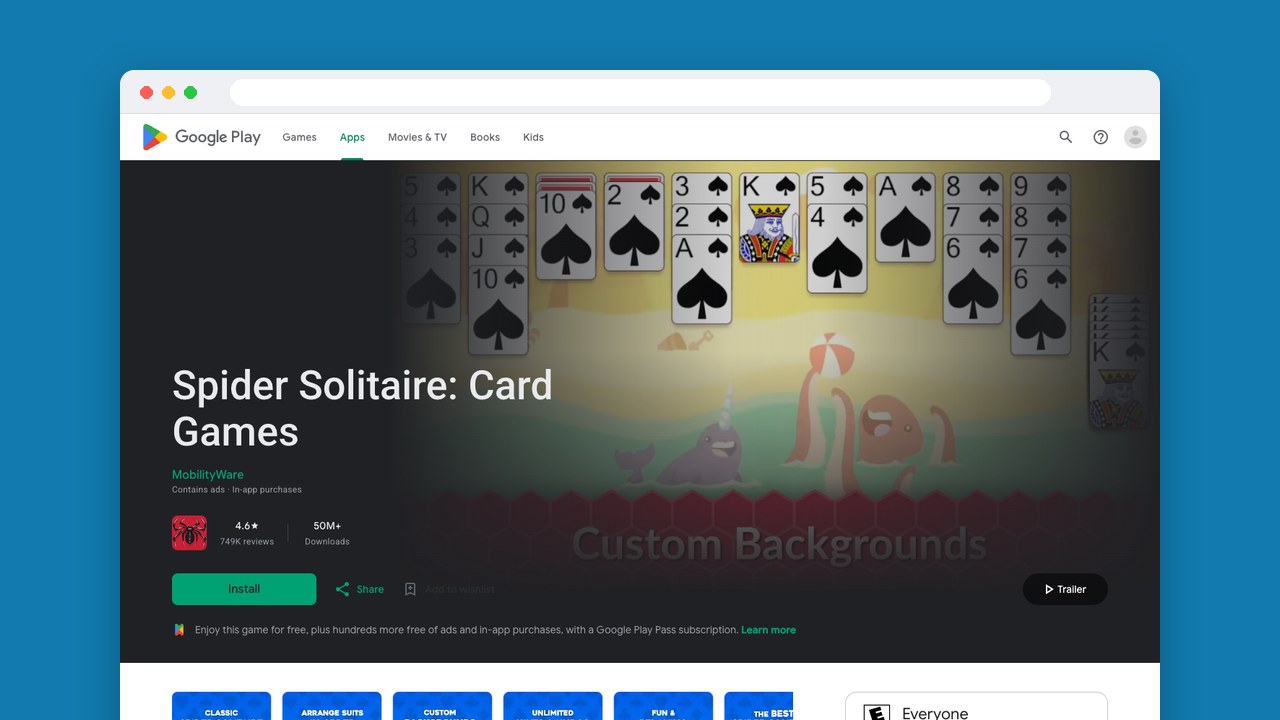
Spider is a different game: you build runs of cards in descending order by suit and clear them. MobilityWare’s Spider Solitaire: Card Games lets you play with one to four suits, so you can raise the difficulty a step at a time, with winnable deals, hints and unlimited undos while you learn. Daily challenges and weekly events give you goals beyond the next board.
MobilityWare advertises it as ad-free and offline, but Google Play marks it as containing ads, and the listing shows it free with ads and in-app purchases. If you want both gone, get the separate Play Pass version.
7. Try one-deck Spiderette with Brainium Spider
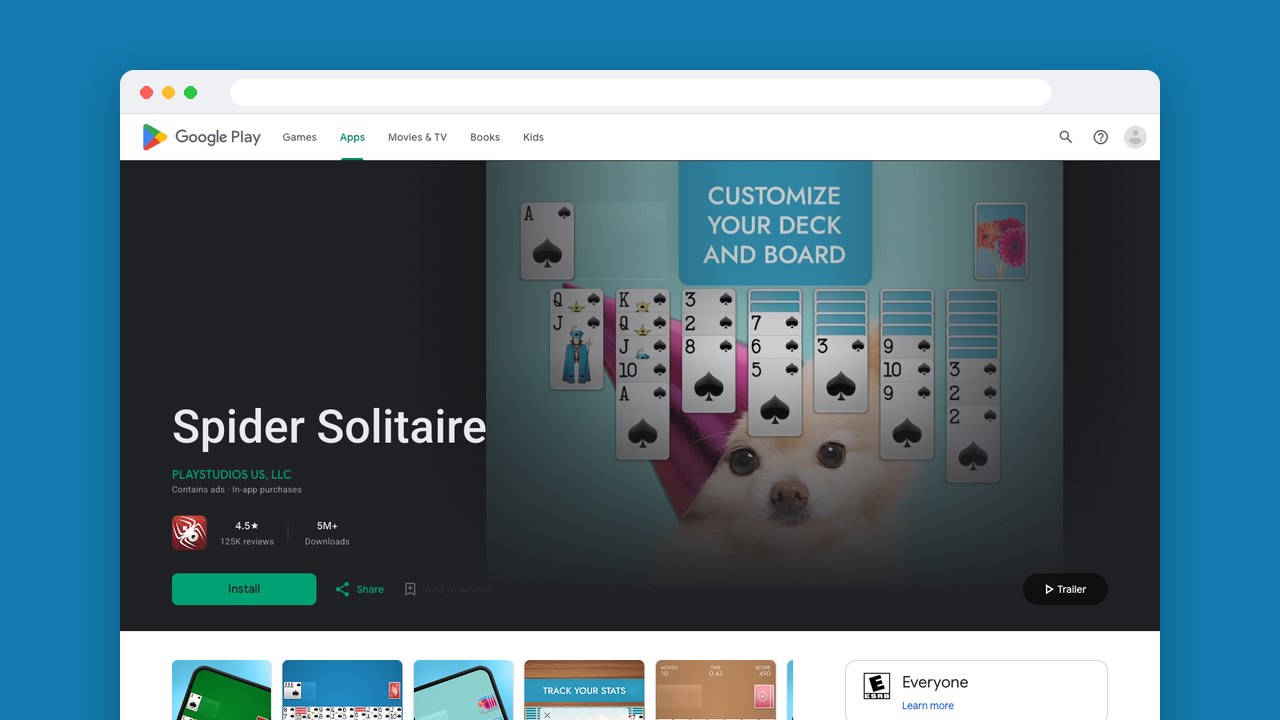
Spiderette is the reason to pick Brainium’s Spider Solitaire over MobilityWare’s: that mode uses one deck instead of two, a different puzzle next to the usual job of building same-suit runs from King to Ace. Suit settings go from one to four. It saves automatically and picks up where you left off if your break ends mid-hand, with smart hints, unlimited undo, and portrait, landscape and dark modes.
Like the Brainium Klondike app, it lists PLAYSTUDIOS US, LLC and is free with ads and in-app purchases. Long runs can hide the cards above them, players say, and some ads are hard to dismiss or start talking without warning.
8. Manage four temporary spaces in MobilityWare FreeCell
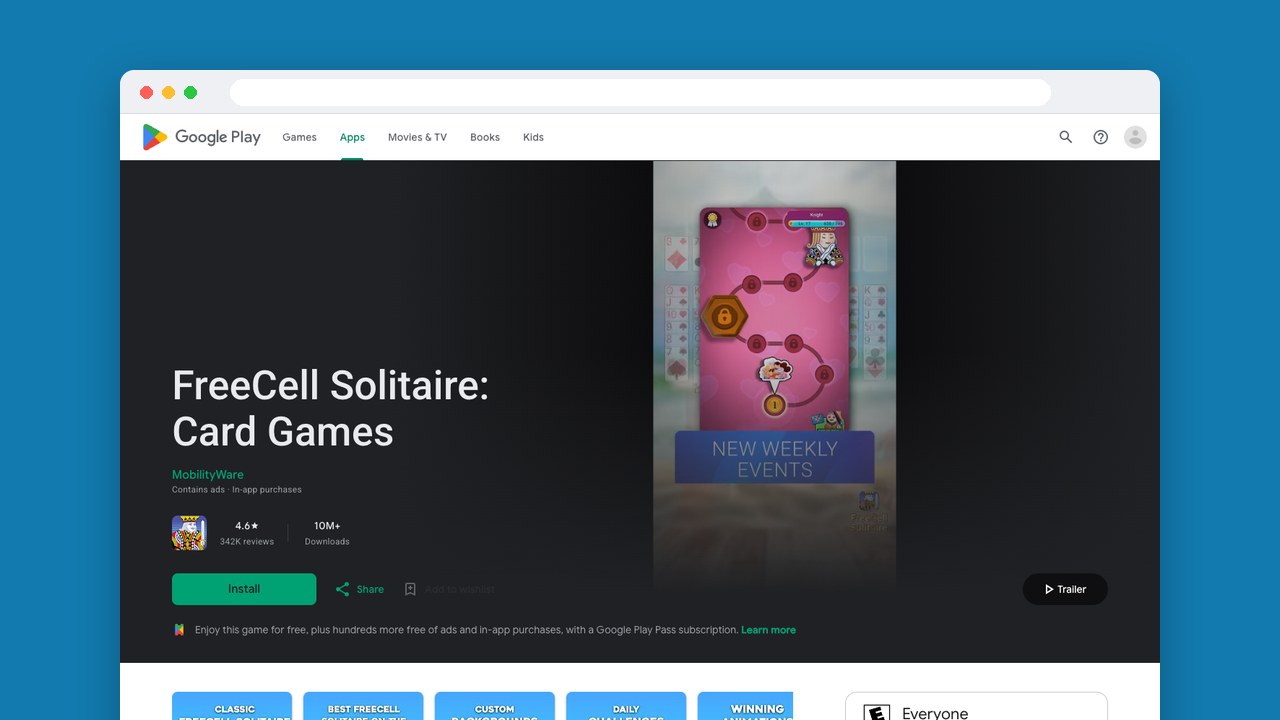
In MobilityWare’s FreeCell Solitaire: Card Games, you get four free cells to park cards in while you sort all 52 by suit, from low to high. The fun is deciding which cell to fill and when you’ll need it empty again. You can race your own time and move count, or friends on a leaderboard, and it plays offline, unlike Microsoft’s collection.
Like MobilityWare’s other two apps, it’s free with ads and in-app purchases and has a Play Pass version without either. Players enjoy the competition, but report inappropriate ads, and paid ad removal that didn’t work for them.
9. Buy ad-free Klondike with Solitaire Pro
AI Factory’s Solitaire Pro is a separate paid app with ad-free Klondike: you buy it, or get it through Play Pass. You choose random deals or a difficulty level, and for deals that aren’t random you can view the solution, which helps you understand a hand you couldn’t finish.
Players like the lack of ads and the customization, but some find the cards hard to read. AI Factory points to larger-font card faces under the settings cog, in Preferences, so try that before you decide. It’s Klondike only, with no other games.
Play Games, Earn Real Rewards
Discover new mobile games in our app, earn coins for milestones and tasks, then redeem them for gift cards you can spend on the games you actually want.
Start Earning NowMatch your choice to where you play
The best free solitaire app is the one that fits the breaks you actually take. For a daily Klondike habit, start with MobilityWare. For switching rules when you have signal, go with Microsoft. For variety on the move, Solebon.
Before you pay to remove ads anywhere, play a few hands with the card faces, orientation and hand setting you’d keep. Paying takes the ads away, not awkward controls.
Snakzy (our app): keep your solitaire app, add some rewards
Full disclosure: Snakzy is our app. More than 1 million players have joined it, and they have collectively redeemed over $1.2 million in rewards as of June 2026.
You don’t have to give up the solitaire app you like. Snakzy is a way to try other solitaire games and get points for it: solitaire is one of its game genres, and you earn points for sessions, milestones and challenges with no purchase required. The account is free for players 18 and over, and once your points reach the minimum you can redeem them for PayPal or gift cards. Snakzy runs on Android only.
Related posts




Play to earn
Your Next Game, On Us
Play mobile games in Snakzy, earn coins as you go, and turn them into gift cards for the store of your choice.
Get Started Free